
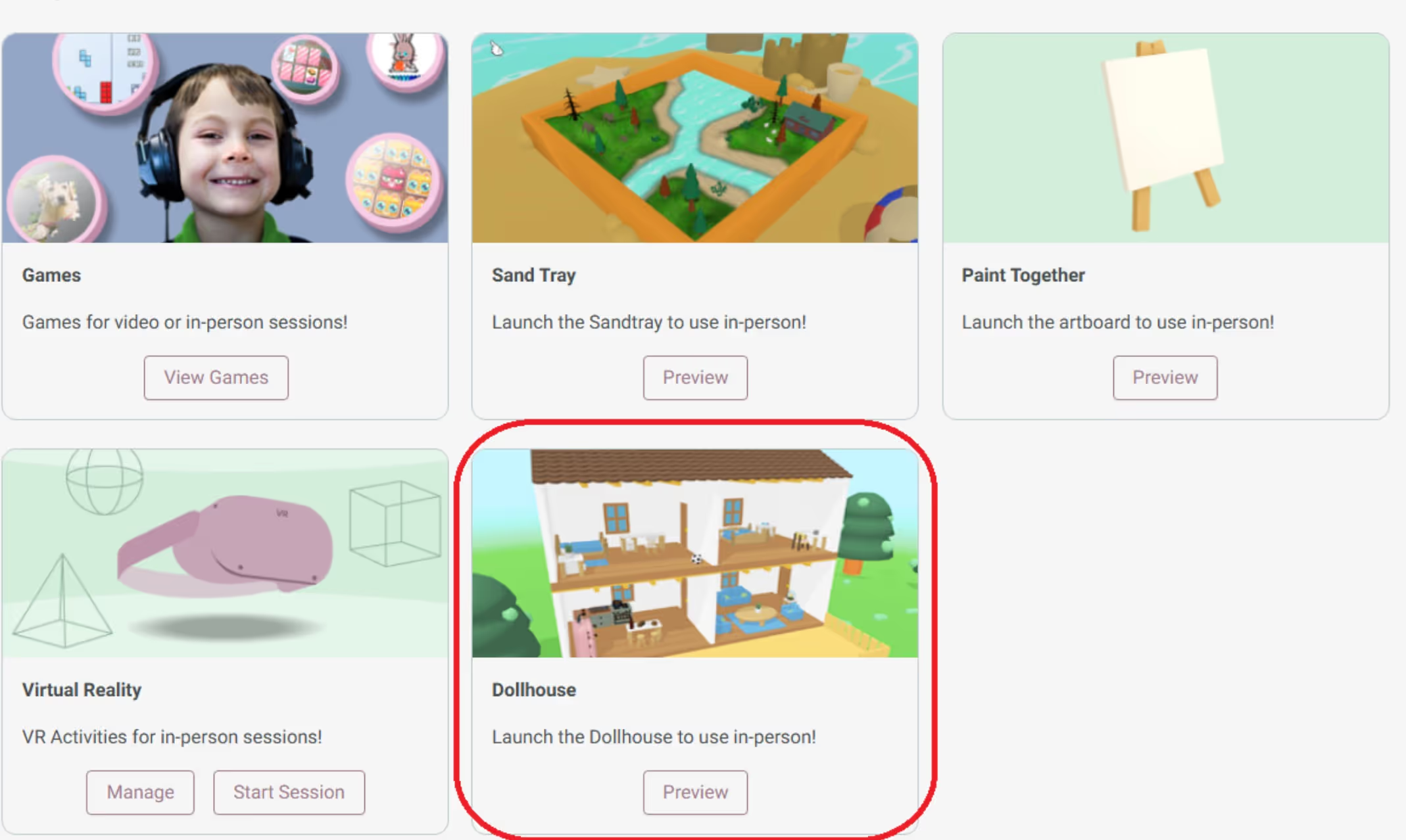
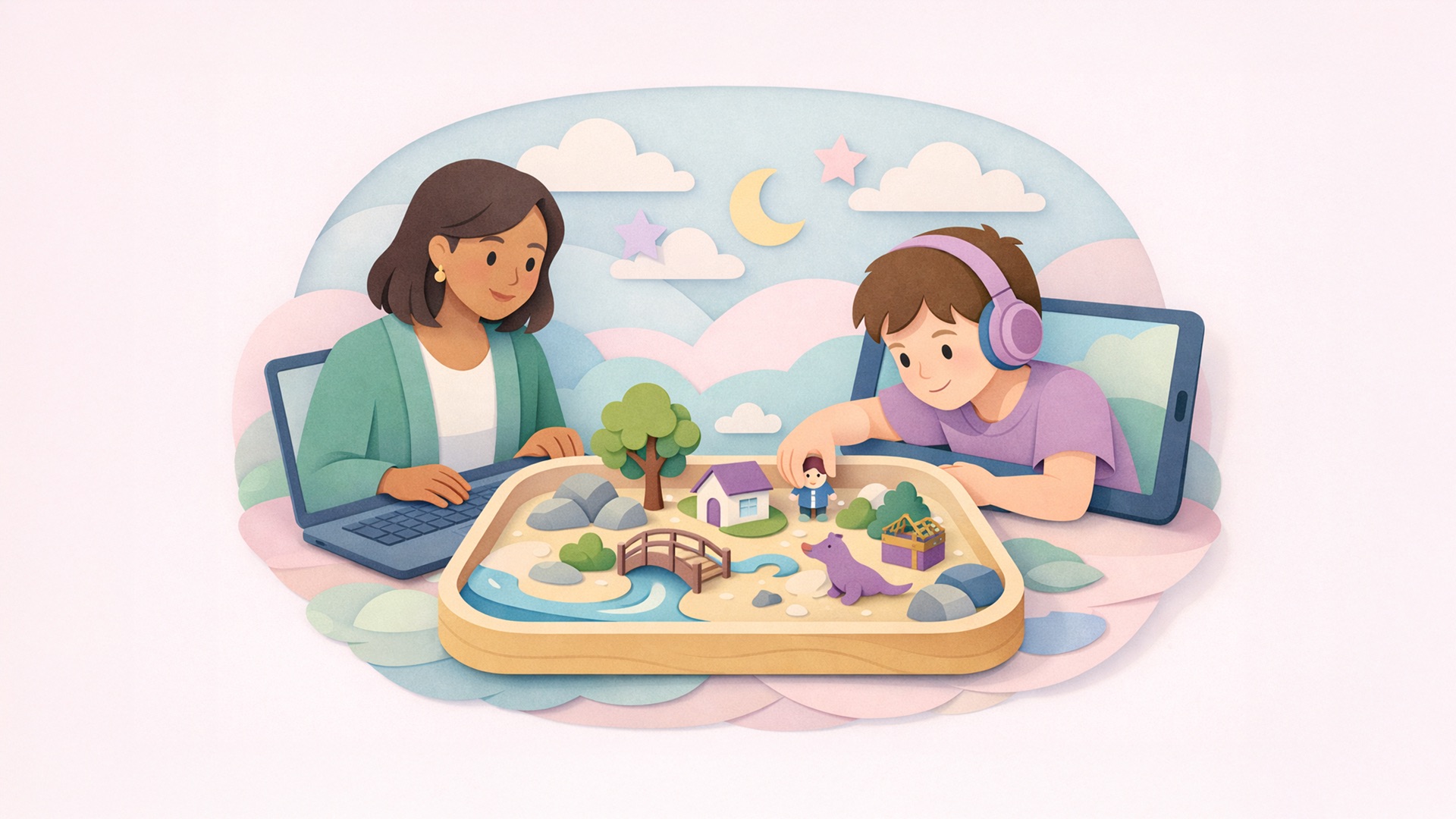
Launching the Dollhouse is simple! To begin, click on the Dollhouse icon during a session. This will open the digital dollhouse for both you and your client. Both you and your client will see the same dollhouse, meaning any changes made will appear in real time on both screens, keeping the experience seamless and collaborative
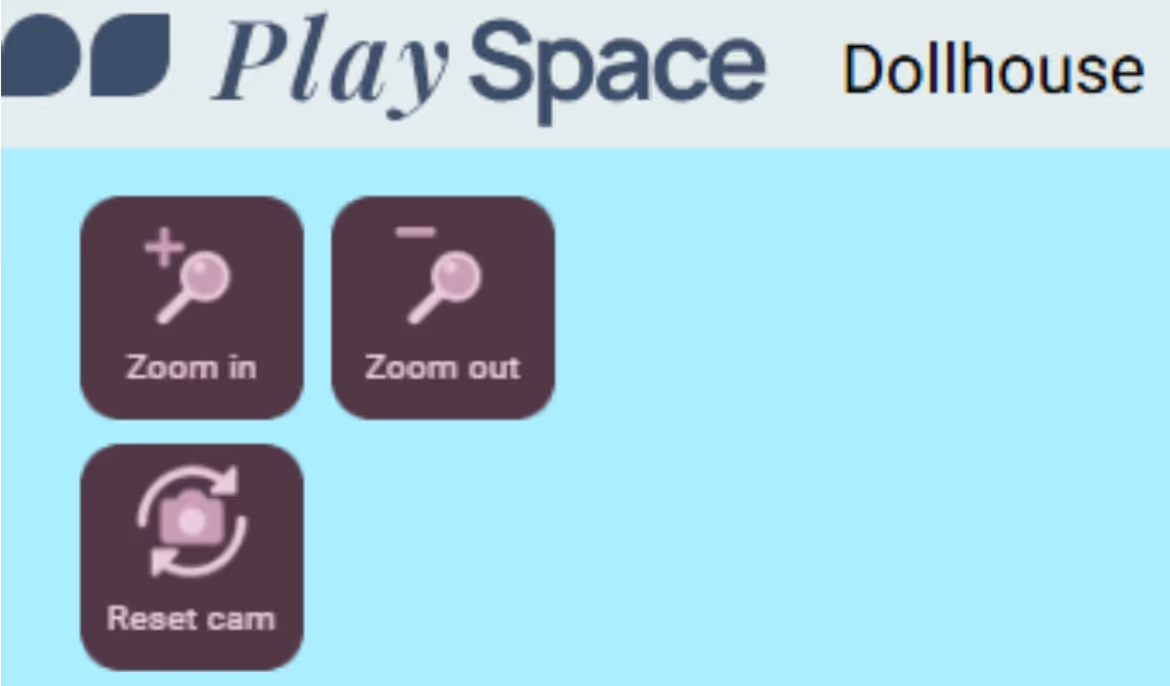
The Dollhouse offers great control over your view. You can adjust your view to suit the moment
These features ensure you won’t miss a single detail while navigating your virtual dollhouse!
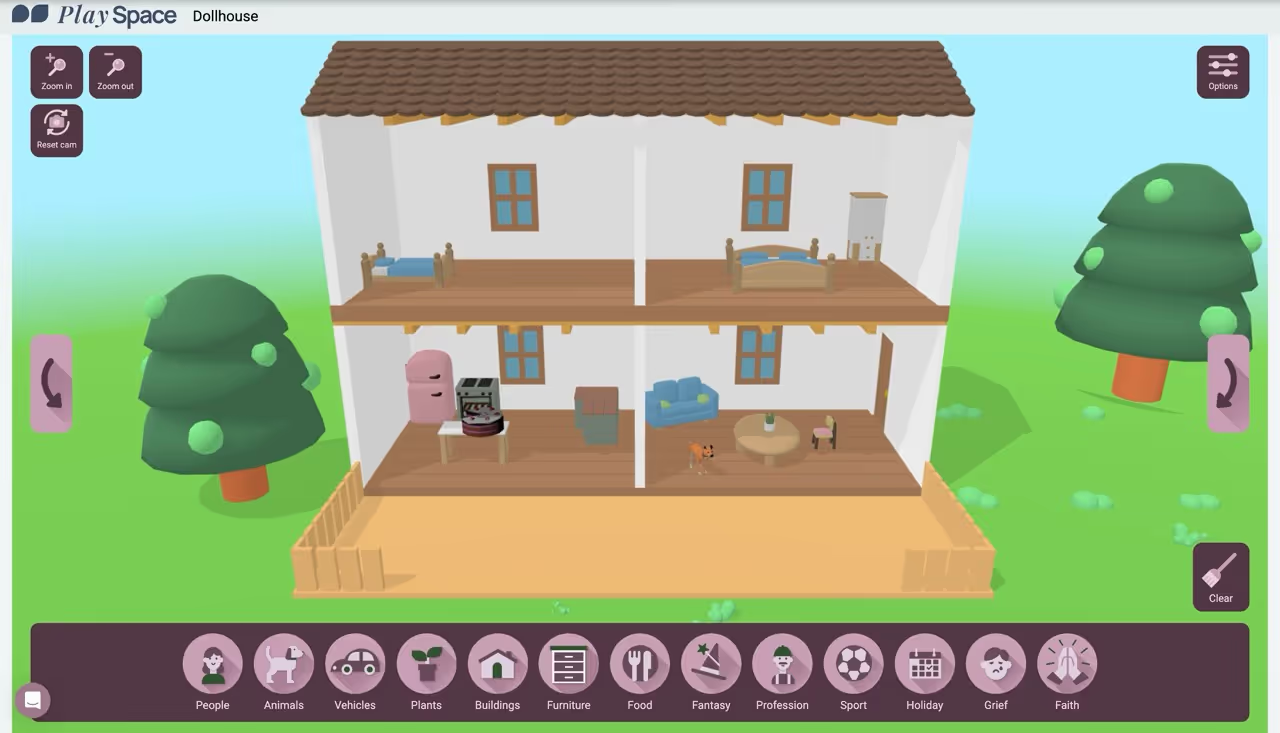
The Dollhouse is packed with features that encourage creativity and storytelling:
The screenshot feature makes documenting your sessions simple. Click the camera icon at the top of the screen to capture key moments or progress during your session. These screenshots can be saved for review, reflection, or sharing with clients as part of their therapeutic journey.
At PlaySpace, we’re always looking for ways to improve. Therapists have asked for even more settings, characters, and customization options, and we’re listening! Have an idea? Share your feedback through our Help Center—your input helps shape future updates.
With the PlaySpace Dollhouse, your clients can explore and express themselves in a dynamic, safe place—no matter where they are. From diverse character representation to user-friendly controls, the Dollhouse is designed to enhance every session.
.avif)
Subscribe to our weekly Newsletter
By clicking 'Submit,' you confirm that you have read and agree to the Privacy Policy, Terms of Use, and Customer Agreement.



.jpg)

.jpg)

.jpg)
.jpeg)