


Clients in mobility devices
Turn on Weight Shift mode in the patient settings for clients in standers, walkers and gait trainers, then choose a level.
Patient settings
- Weight Shift
- Choose level
 by Augment Therapy
ARWell PRO from Augment Therapy turns therapy exercises into movement games. A skeleton on screen follows the client’s body, so they can see how they move. Connect your account once, then launch activities from any playroom or toolkit.

Augment Therapy’s tips for choosing where to start, from clients who can copy a model to clients who play lying down.
Turn on Weight Shift mode in the patient settings for clients in standers, walkers and gait trainers, then choose a level.
Start with simple movements the client can copy, then build from there.
Raise the challenge with faster, whole-body games.
Use Weight Shift mode so the client can play seated, steering with head, shoulder or torso movements.

Mount the tablet over the bed and play lying down.
The skeleton over the client’s body gives instant visual feedback on each movement.
Four activities Augment Therapy recommends to start with, and the therapeutic goals each one works on.
Balls fall from the sky faster and faster. The client moves side to side, walking or running, so the avatar clears the stack before it reaches the top. Seated clients can play with Weight Shift mode, using head, shoulder or full-torso movements.
Therapeutic goalsThe client touches each incoming ball with the hand or foot that matches its color. You can adjust ball speed, which limbs are used and whether movements cross the body’s midline.
Therapeutic goalsThe client traces letters, numbers and shapes in the air with guidance from Elmo. You choose the left or right hand and the characters to practise.
Therapeutic goalsThe client takes deep breaths with Abby while tracing a triangle, a square or an infinity sign. It is intended to help with emotional regulation and also works on coordination.
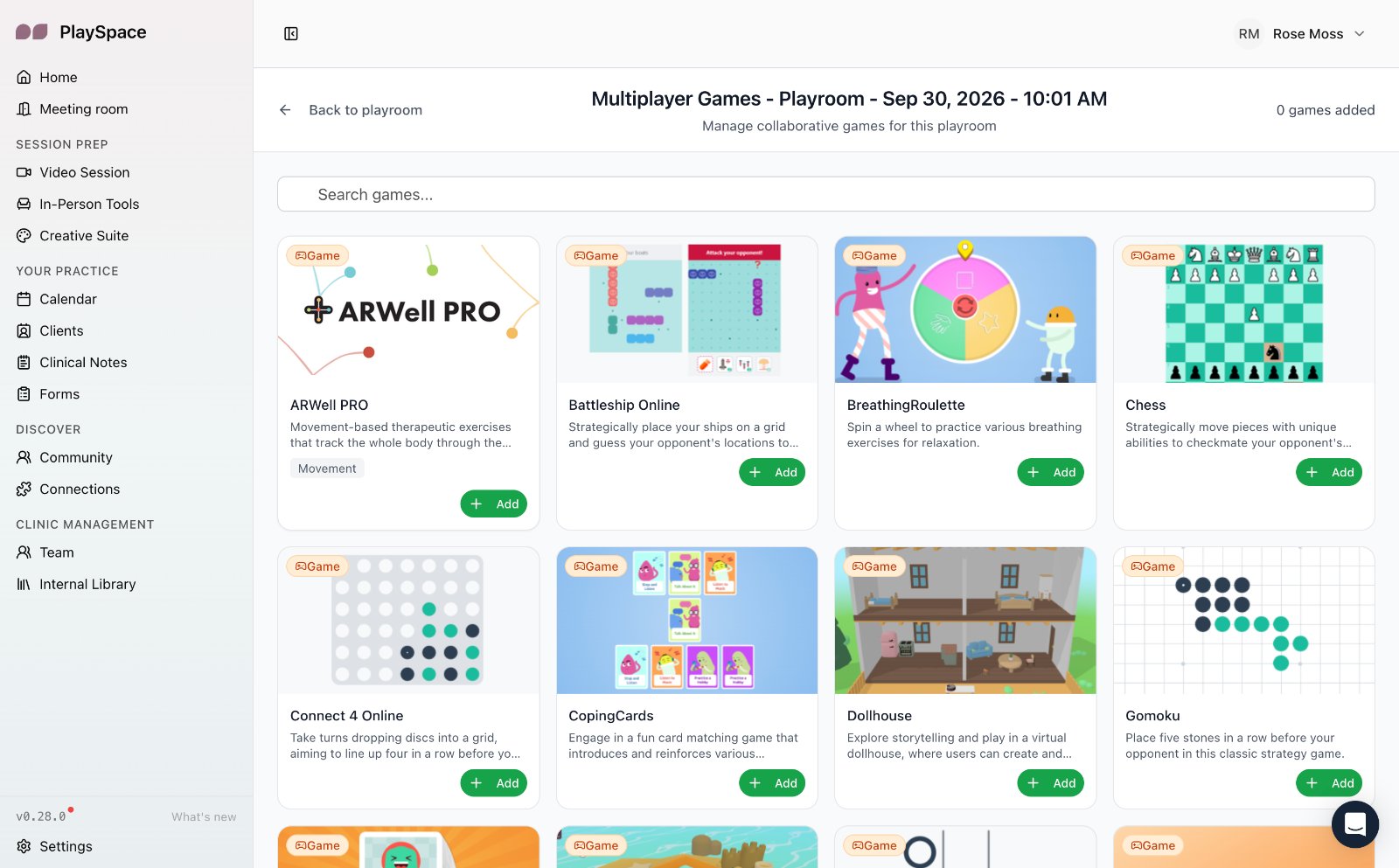
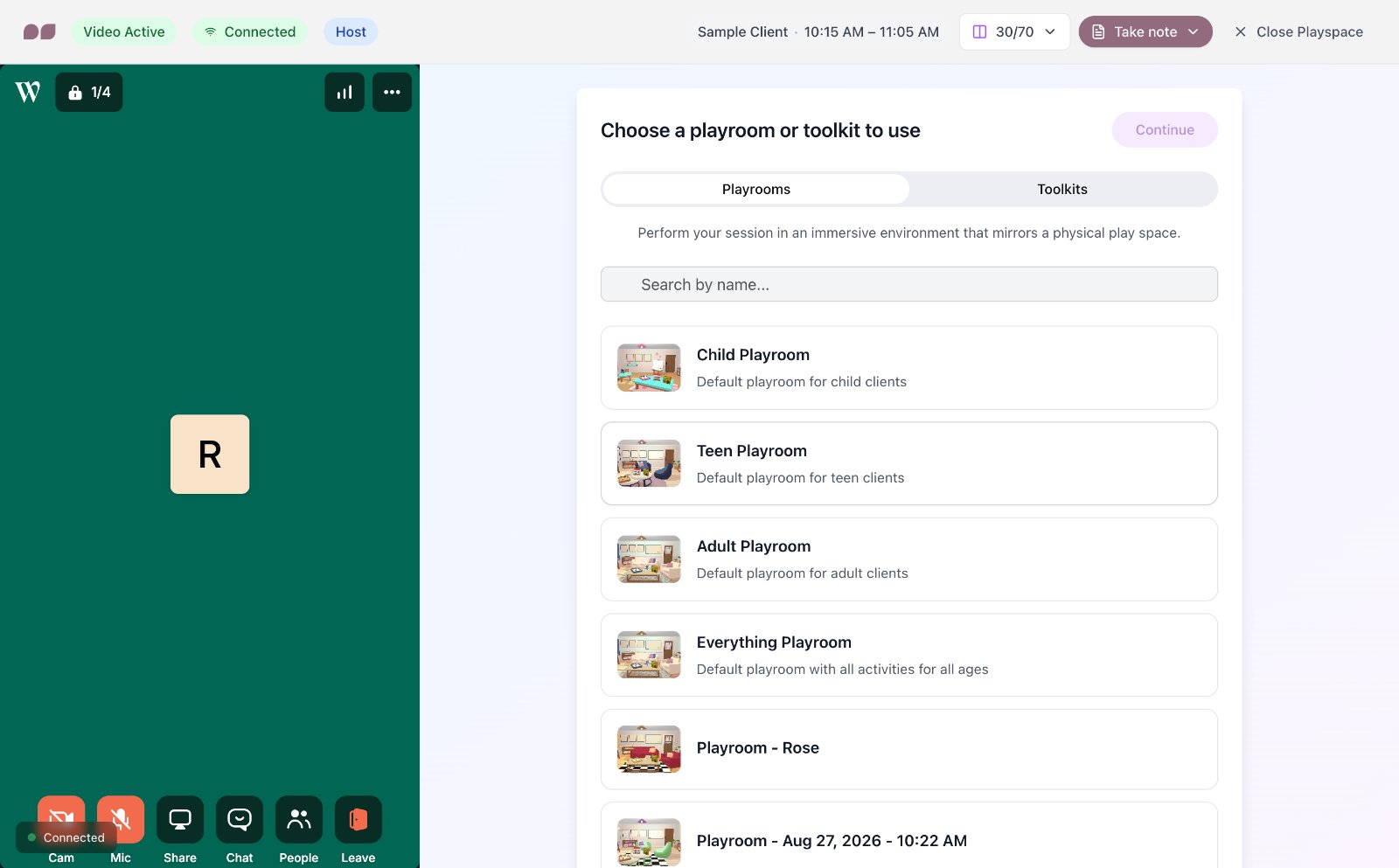
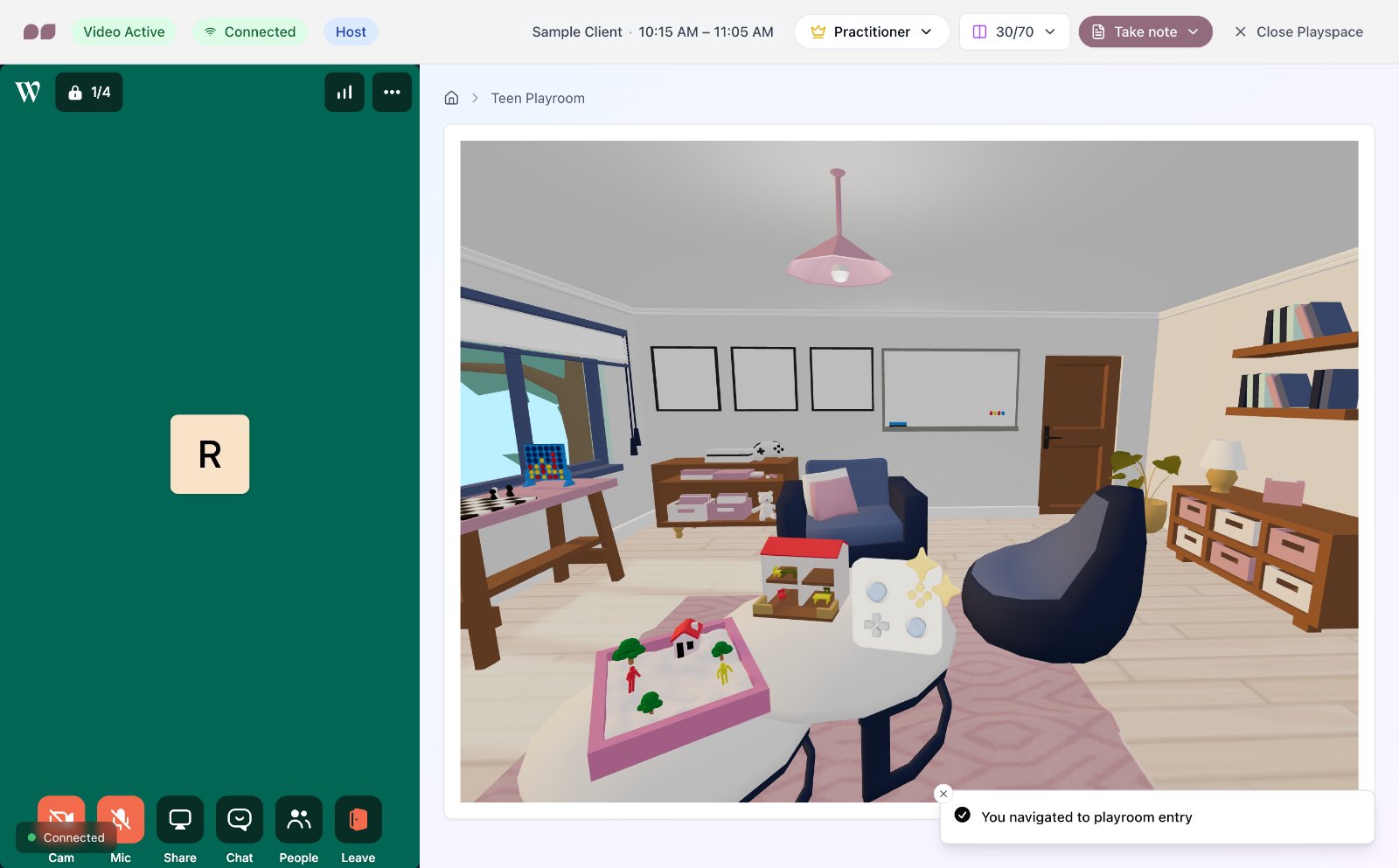
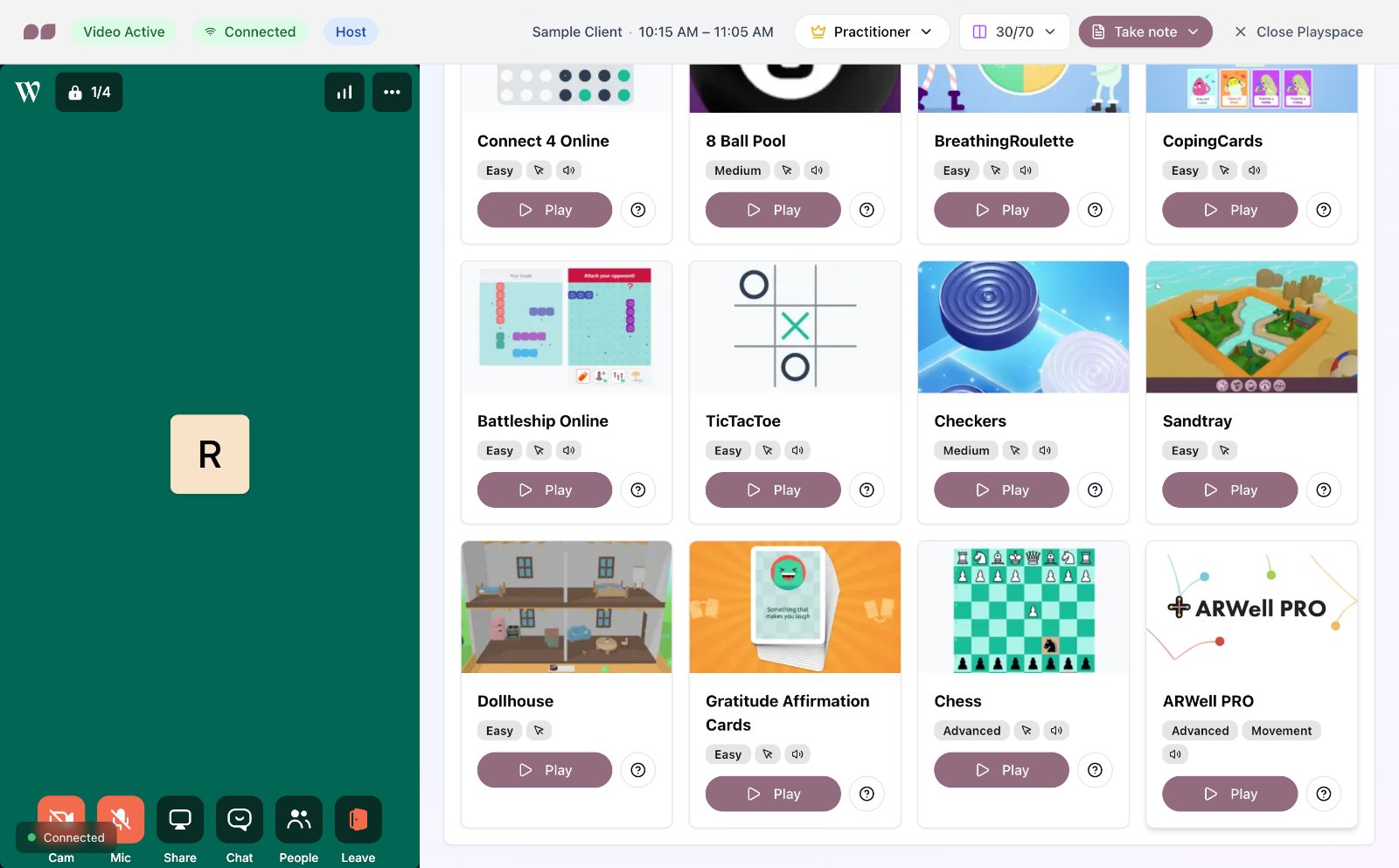
Therapeutic goalsConnect once and ARWell PRO sits with everything else in your playrooms and toolkits. Open the room, find it with your games and press Play.
Not in this room yet? Turn it on from Manage games without leaving the session.
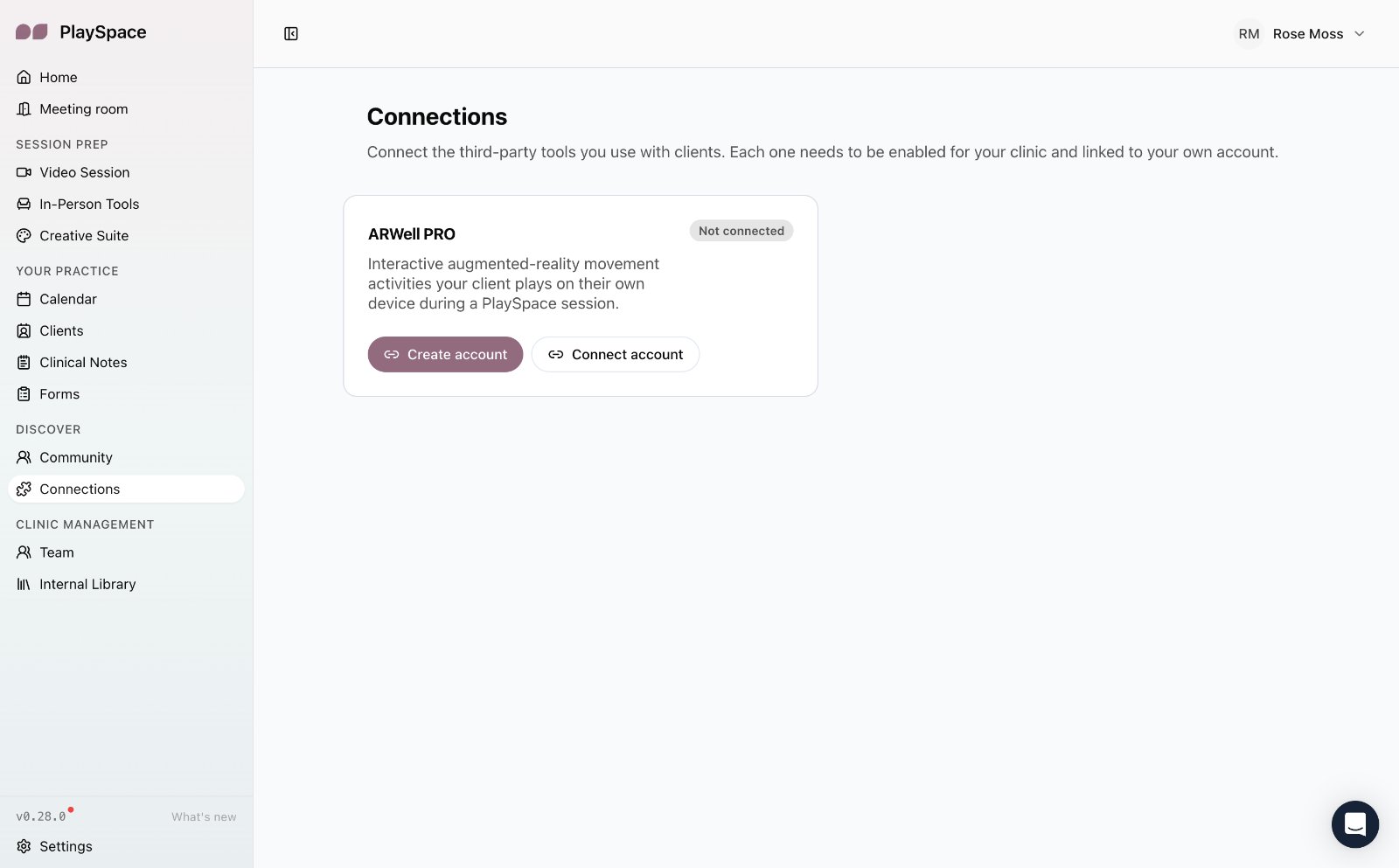
Clients play ARWell PRO on their own device during a PlaySpace session. You can add a balance board, ankle weights or a therapy ball for an extra challenge.