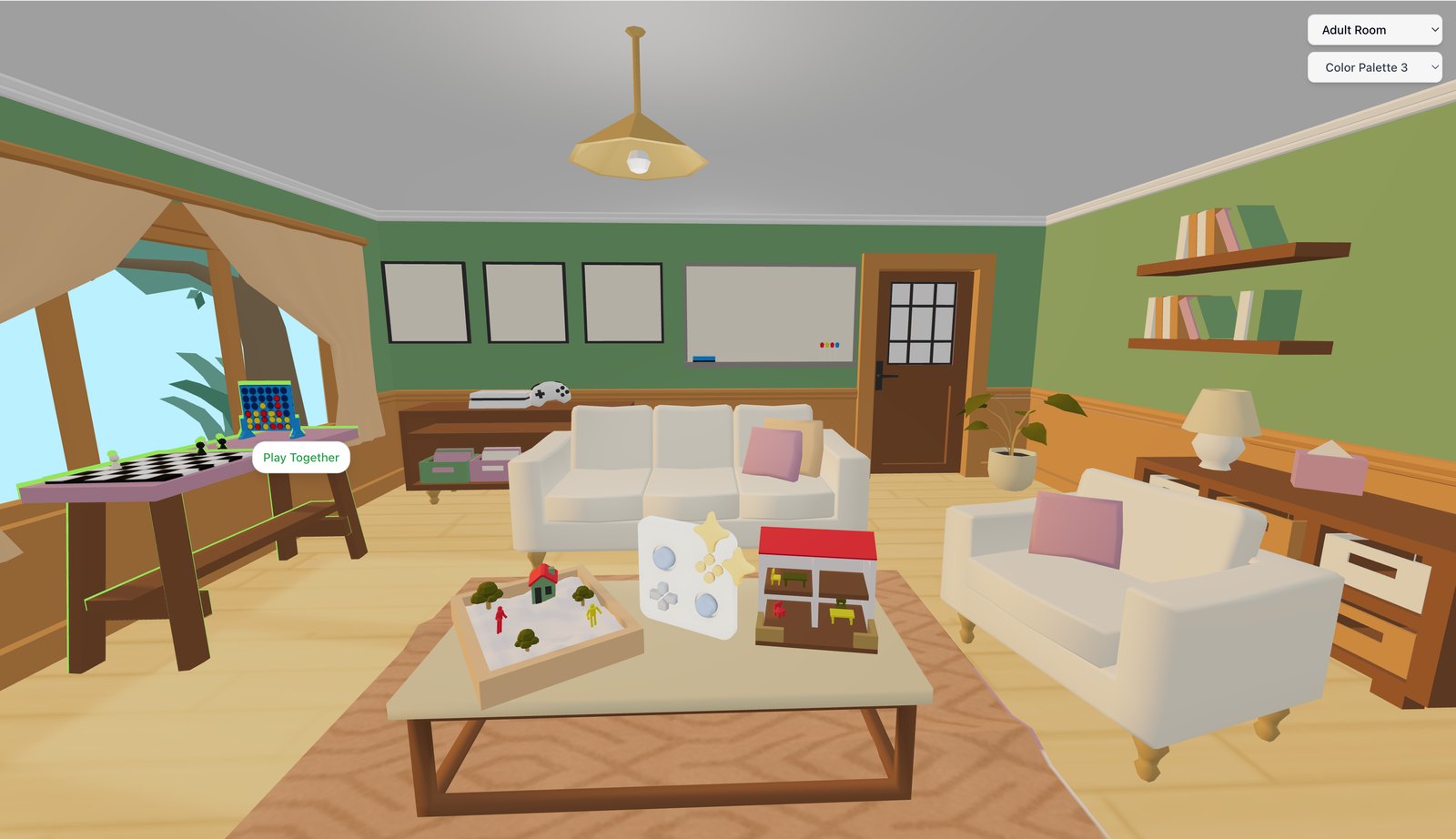

Waiting room
Guests who join from a link wait until you admit them, so you keep control of who is in the room.
Virtual sessions rely on video you and your clients can count on every time, with settings you can adjust to suit your practice. Games and tools open right inside the call.
Whether for 1:1 sessions or groups, PlaySpace video comes with tools and settings to shape the experience around your practice.
Guests who join from a link wait until you admit them, so you keep control of who is in the room.
Message clients, chat securely, run polls and use breakout rooms for groups.
Bring external audio and video into the session.
Record sessions and turn on subtitles when you need them.
Choose a custom background and reduce background noise.
Resolution adjusts automatically, with an audio-only fallback to keep the session going.
Also included: noise suppression, and sharing of external audio and video.
Yes. Clients click a link, allow camera and microphone permissions in their browser, and enter the room instantly.
 Connection
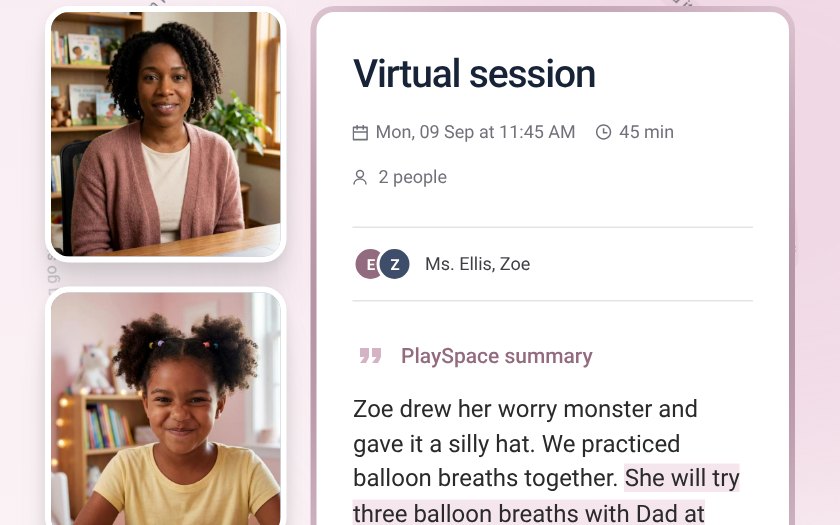
Record, transcribe and summarize sessions so you can stay present. Every note waits for your review.
 Connection
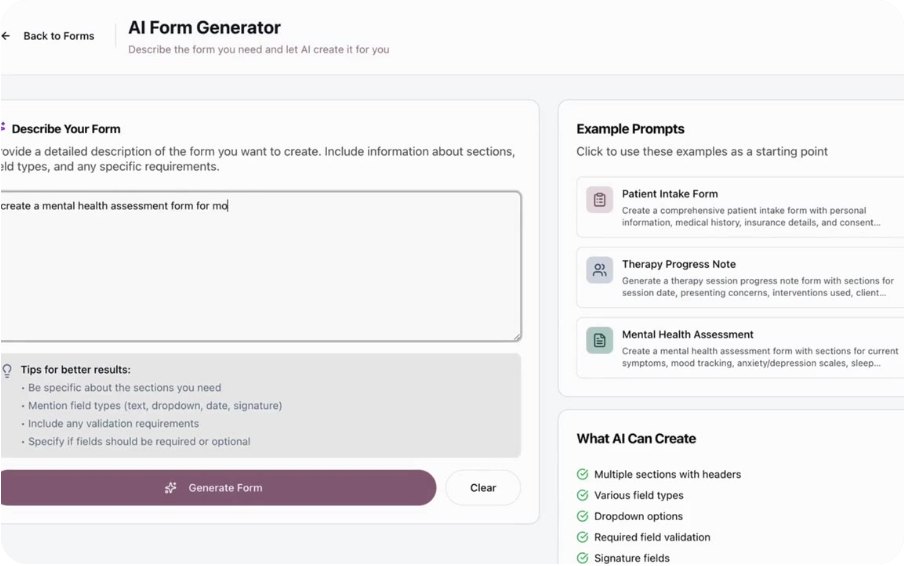
Intake forms, consents and screeners like the PHQ-9, sent to clients and kept in one secure place.
 Engagement
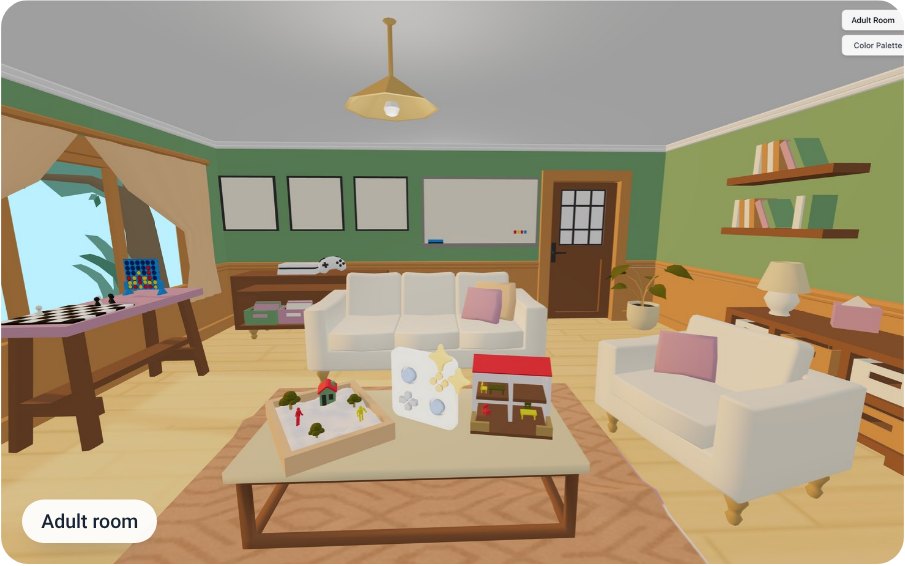
Build a playroom for each client, or start from a ready-made room, then add games, sand tray, whiteboard and storybooks.
 Announcements
No more dropped sessions. Seamlessly switch video providers in PlaySpace to keep therapy sessions running smoothly, no refreshing, just uninterrupted care.
PlaySpace TeamMar 10, 2025 Tools & features
Learn how to create an effective virtual play therapy office with the right tools, tech setup, and kid-friendly space for online sessions.
PlaySpace TeamMar 28, 2025