
Any playroom you can describe, built in 3D
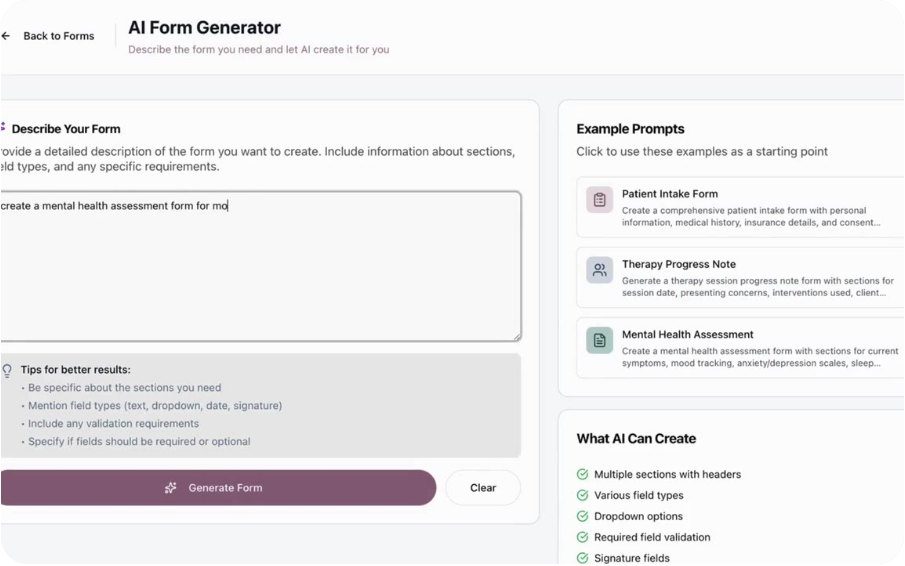
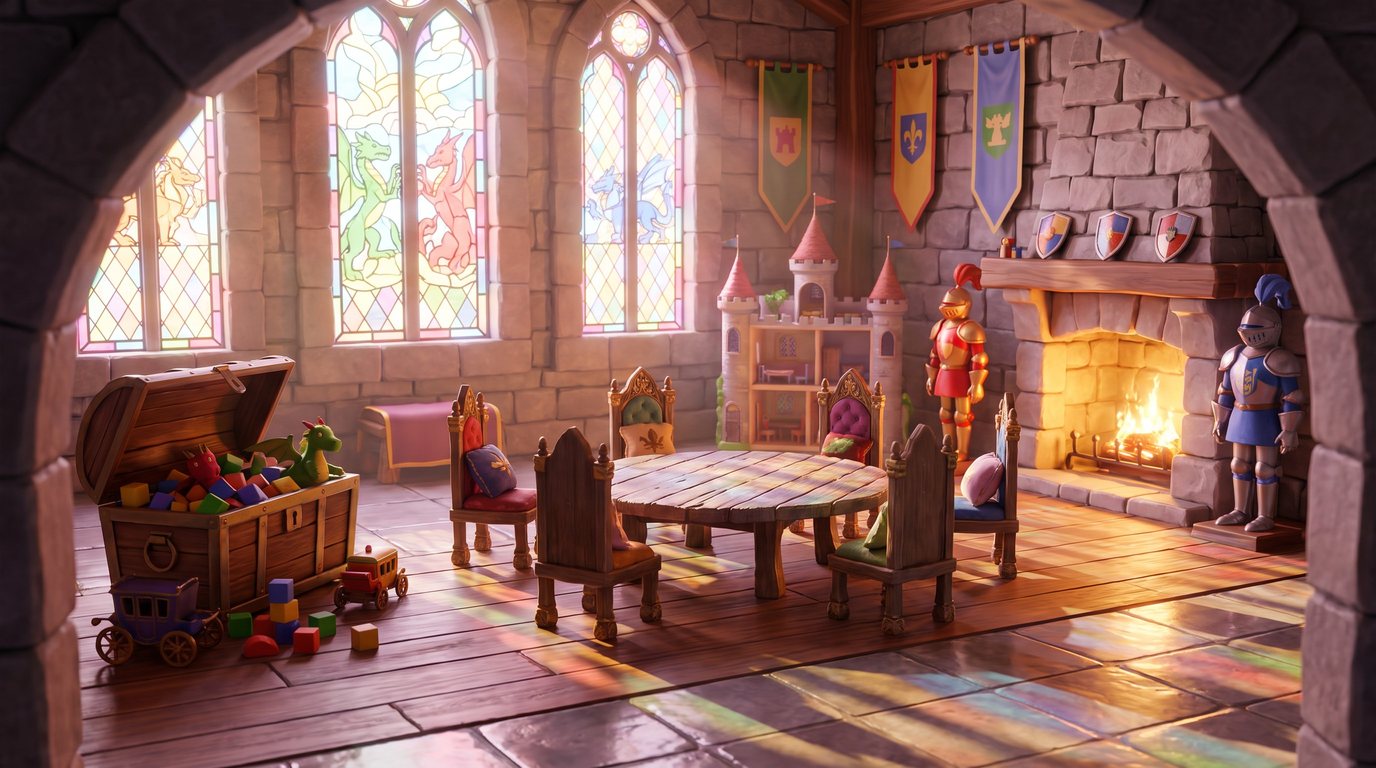
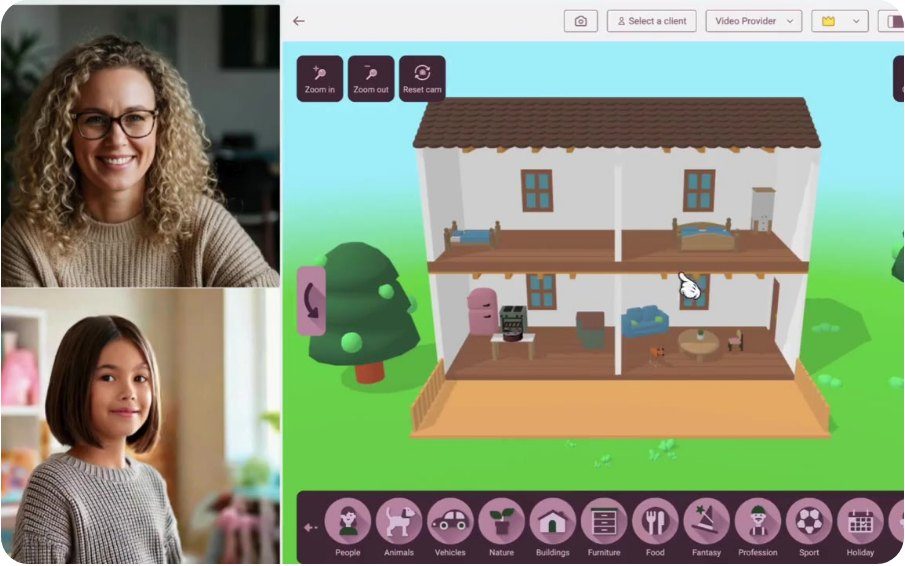
Describe a room and it is built in 3D, or pick a room type and colour palette, then add your content.
- Ready-made child and adult rooms to start from
- Publish a room to your session picker
- PlayStudio activities open inside it
Online or in person, in play, speech and occupational therapy. Find your specialty →
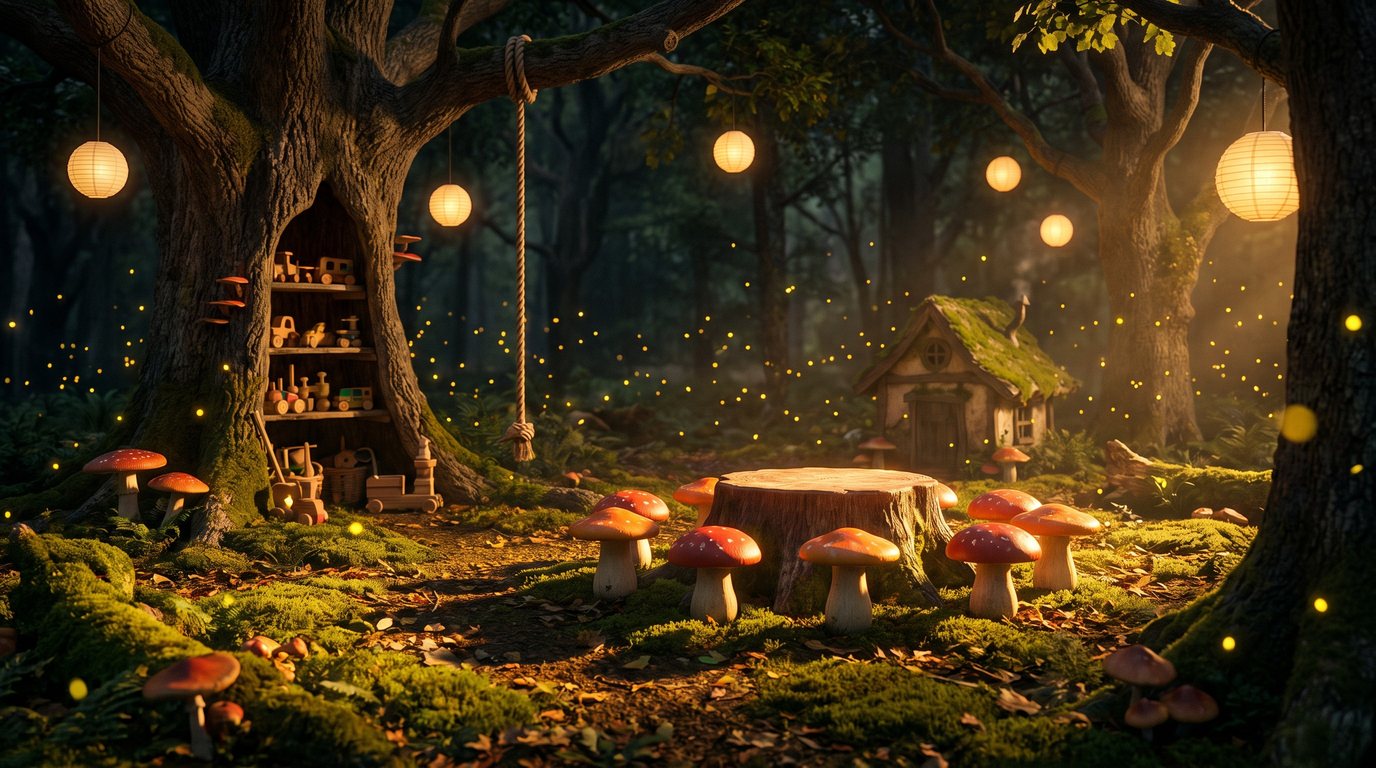 Forest clearing · 3D






Describe it, start from a template, or use a Toolkit
Describe it
Describe the room you want
Say what the room should feel like and hold. It is built in 3D for you to check.
- Mood, furniture, colours and age in plain words
- Duplicate a room, tag it, adjust it per client
- Publish it and it shows in the session picker
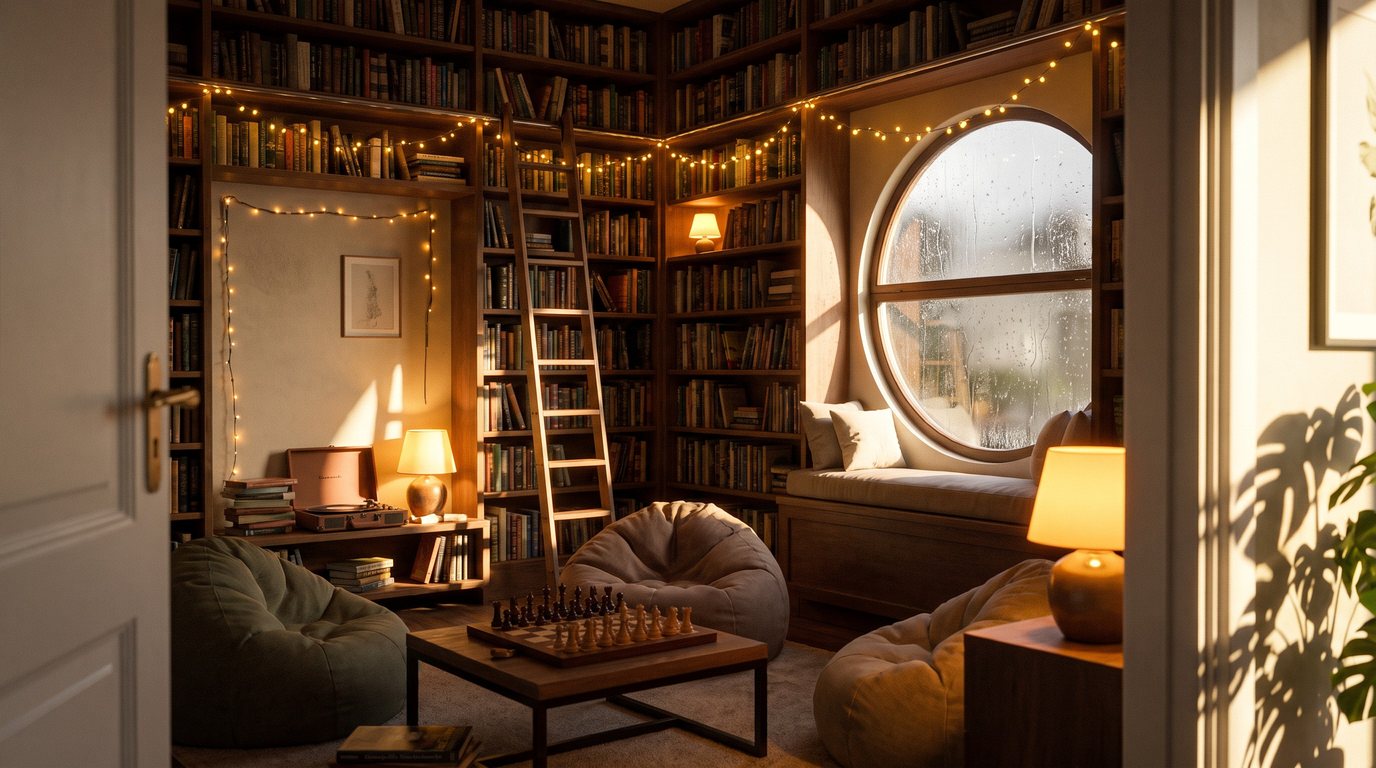
From a template
Pick a room type and a palette
Choose a room type, then a colour palette, then add your own content. The ready-made rooms are starting points.
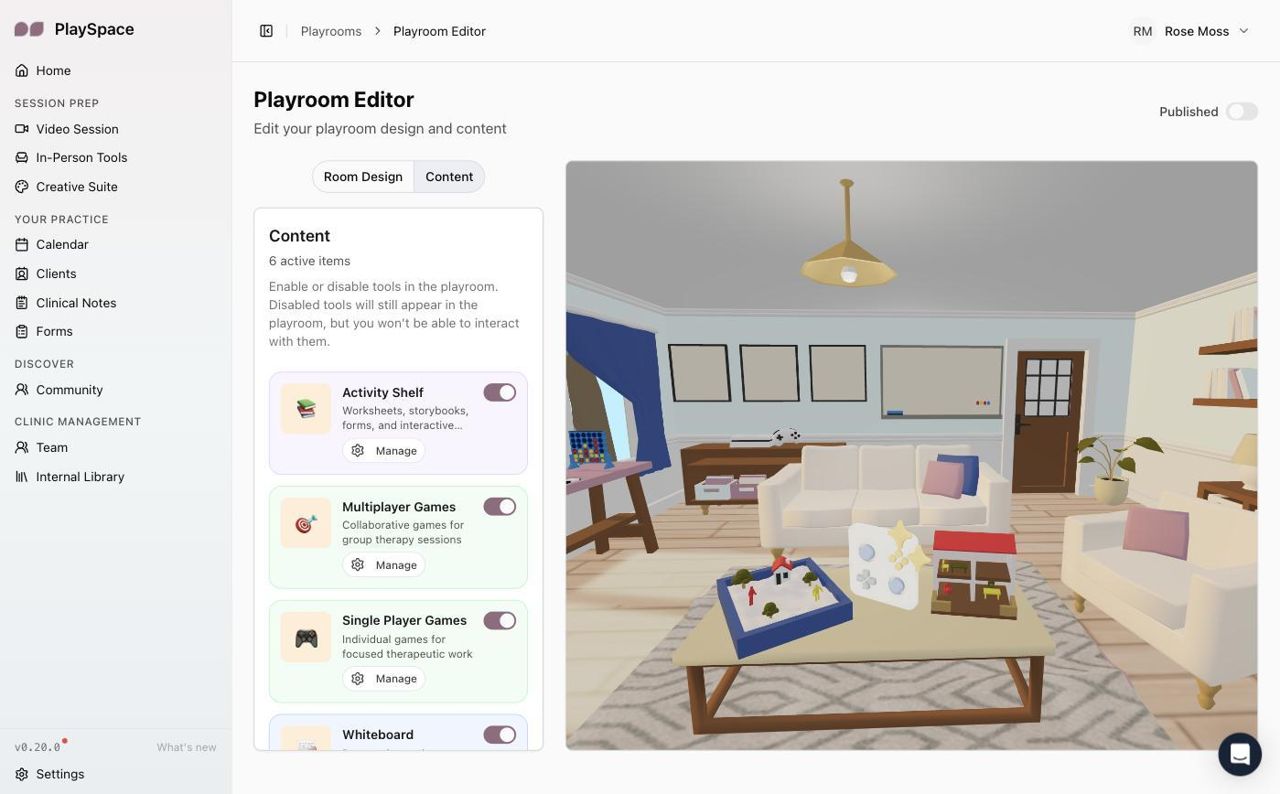
- Colours, layout and wall art in the room editor
- Swap pictures, games and stories as needs change
- Save a layout per client as a template
Toolkits
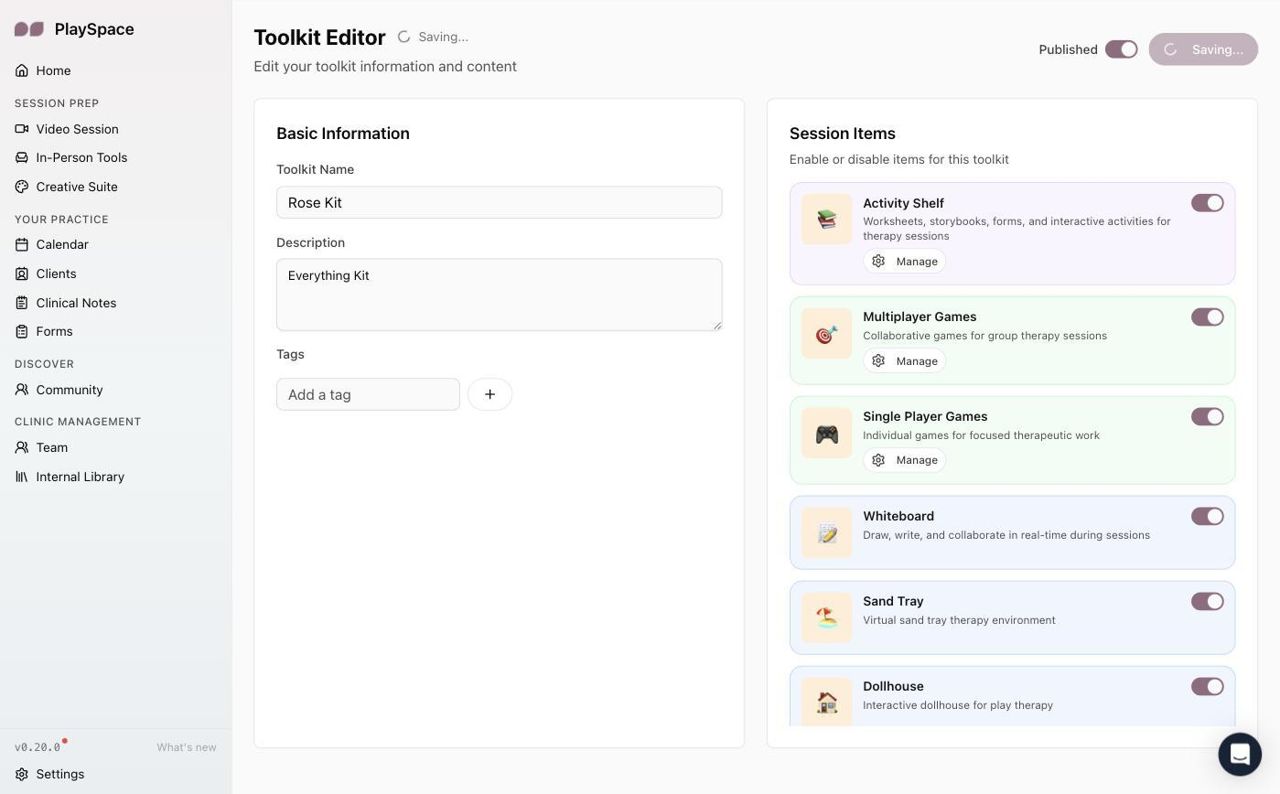
The same tools in one focused space
An age-neutral space for teens and adults. Build several: anxious teens, adult trauma work, parent coaching.
- Create a toolkit around a goal, client or approach
- Switch on the tools you want and hide the rest
- Add content: forms, worksheets, PlayStudio activities
- Open it in session from the same picker as rooms
Try a playroom yourself
Pick a room, then open the tools it holds. Nine short steps.
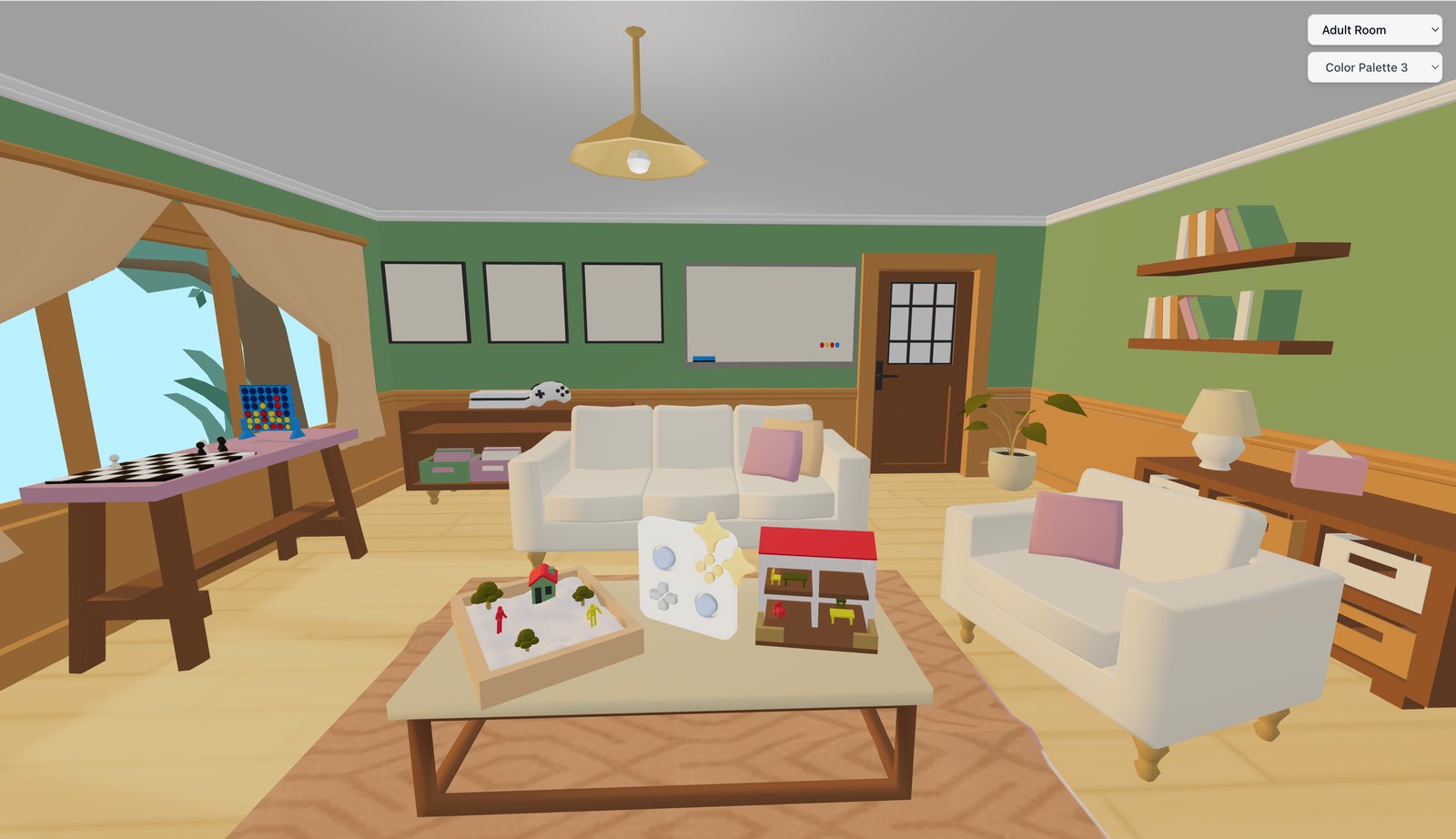 Step 1 of 9Choose the room type that best fits your client.
Everything for the session, in one room
Tools, the Activity Shelf and your PlayStudio activities open on the table, with or without video.

You decide what the child sees
Before the session
Stock the child's shelf
The child sees only what you put there, arranged per room.
- Storybooks, slides and worksheets from your library
- Clinical forms for the session
- PlayStudio activities, in every room or chosen ones
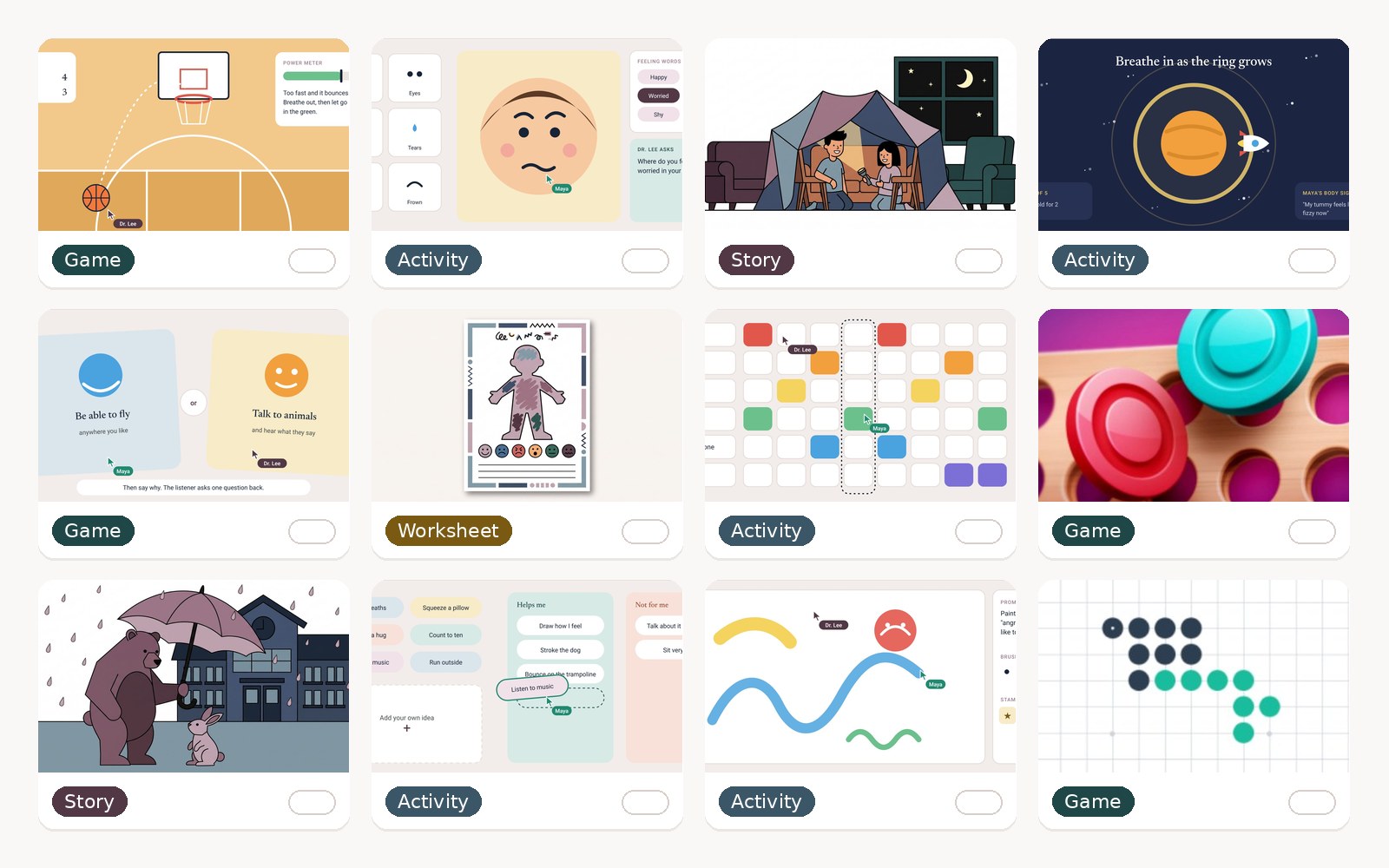
 Storyadded
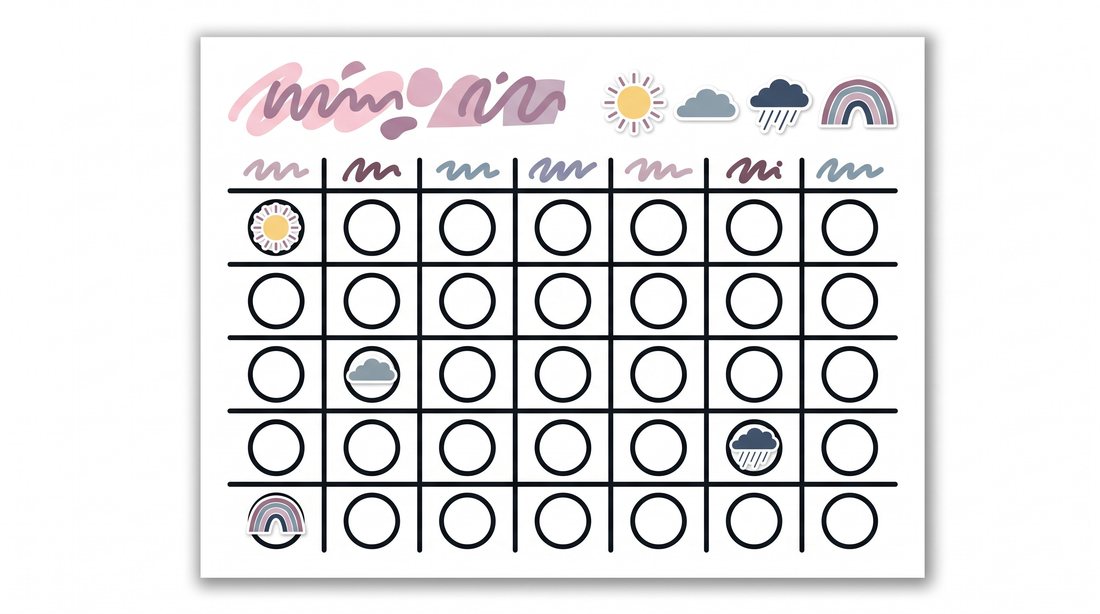 Worksheetadded
 Check-in formadded
During the session
You decide who holds the mouse
- Give the child the room, one tool or one item
- Take it back at any time
- One toggle, either way
Outside content stays contained. YouTube videos and PDFs open in a sandbox over the same encrypted connection, seen only by people in that session.
Shared rooms for your whole team
- One library shared across sites
- Tools switched on by site or role
- Onboarding and training for every clinician
- Solo clinicians: pay what you can from $20/month
- Games for younger children
- Screen sharing for teens
- Creative tools for adults
- Chrome and Safari on laptops, Chromebooks, iPads, Android tablets
- Runs in the browser
- Supports virtual and in-person use
- Room type and colour palette
- Ready-made child and adult rooms
- Rooms, toolkits and every tool inside
- In every plan
Playrooms and Toolkits, answered
Yes. Describe it and it is built in 3D, or pick a room type and palette, then add your content.
Many clinicians give a short tour in the first session. Show the objects, play a mini game and check in on the whiteboard.
Toolkits hold the same interactive tools in a plain, focused layout. Many clinicians use them with teens and adults.
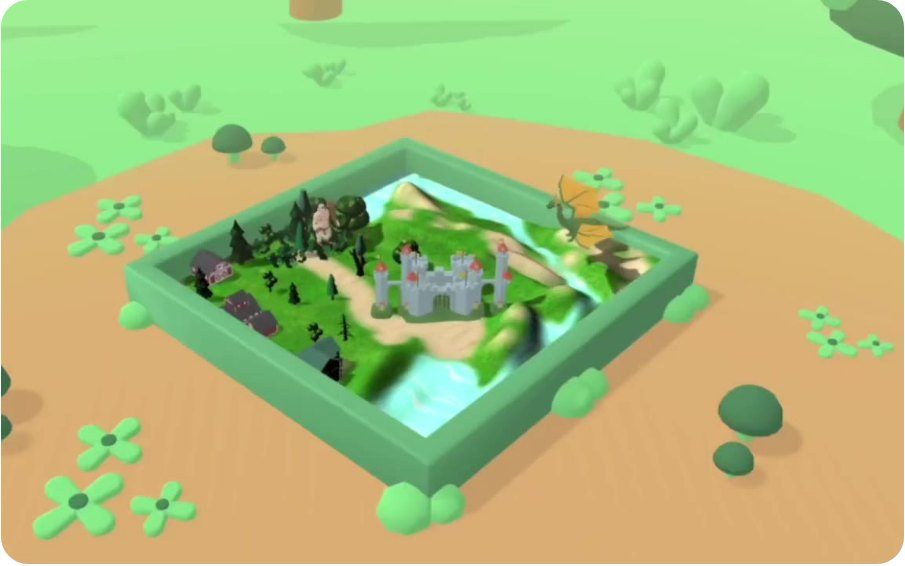 Sand tray
 Games
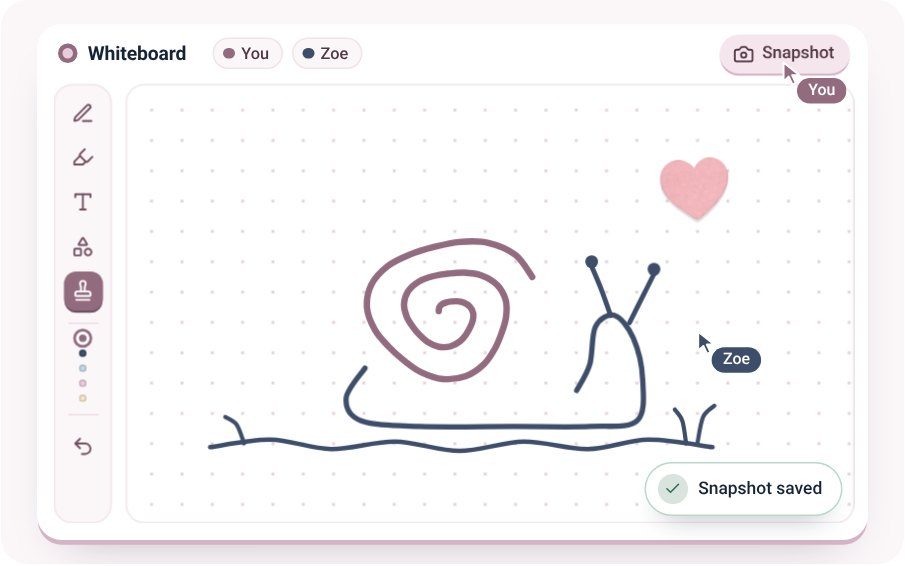 Whiteboard
 Video
Your clinical judgment always comes first. PlaySpace supports clinical judgment and never replaces it. Recording requires consent, and every note, plan and family message waits for your review.











See Sessions with your caseload
A 30-minute walkthrough with our clinical team.