
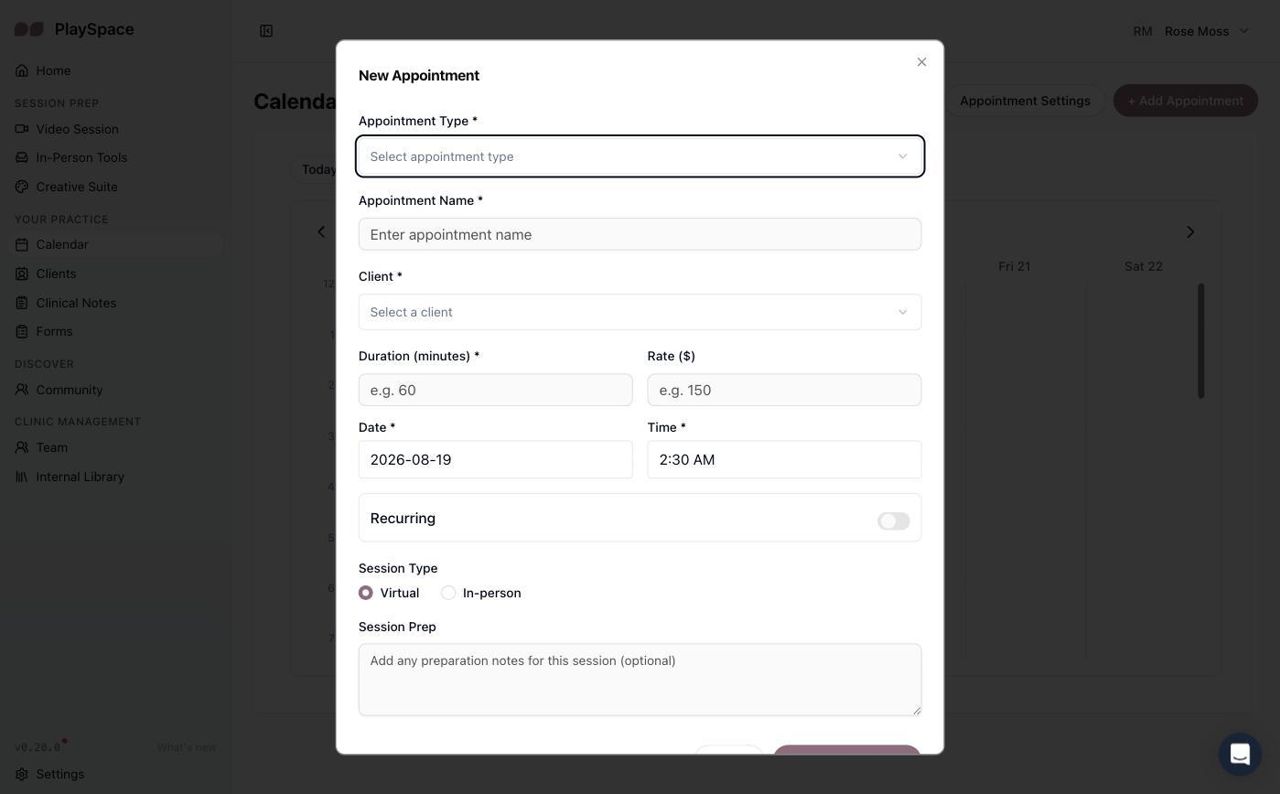
Health providers / Sessions
Play, video and notes in one place
The child leads the play while the activity and your notes stay beside you.
- Supports virtual and in-person sessions
- Runs in the browser, with nothing for families to install
- Six tools, all in every plan
 Snapshot added to session 8
A session, taken apart
Scroll and the screen separates into what it is made of.
- Your side: intake, earlier notes, the activity
- Video: optional, faces stay on while tools open
- The play: the child leads, you join in
- The record: what happened, kept for the note
Tools for in or after the session
The six core tools are in every plan.
1Playrooms & ToolkitsMade yours
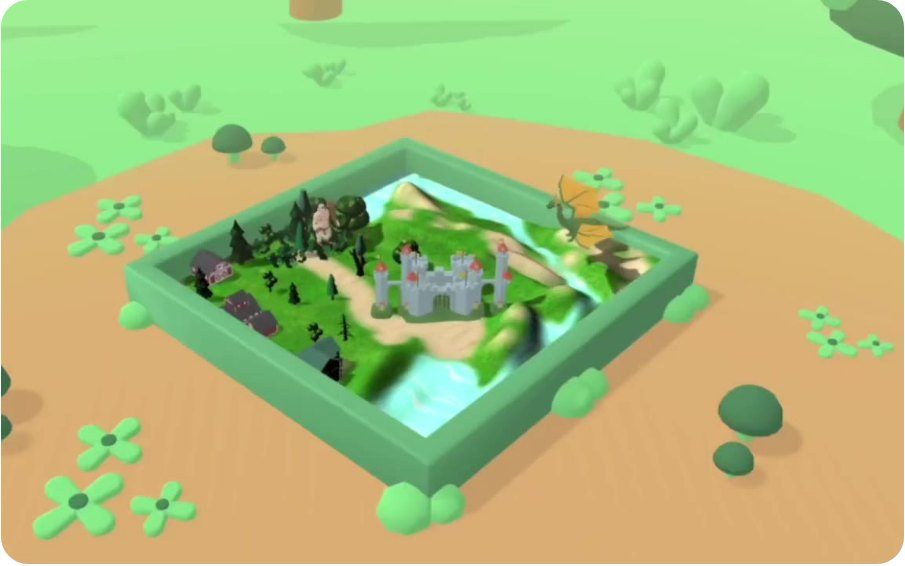
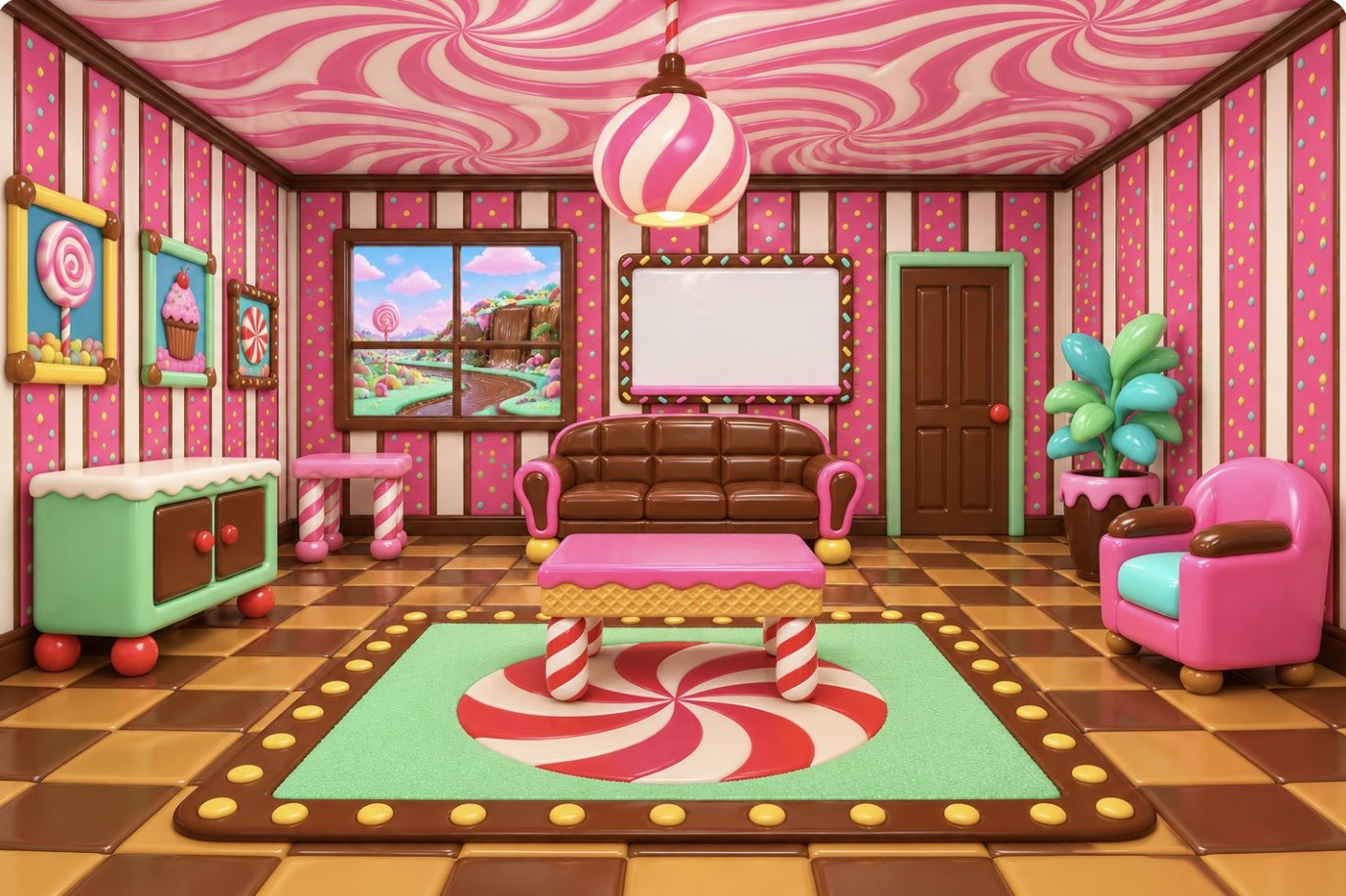
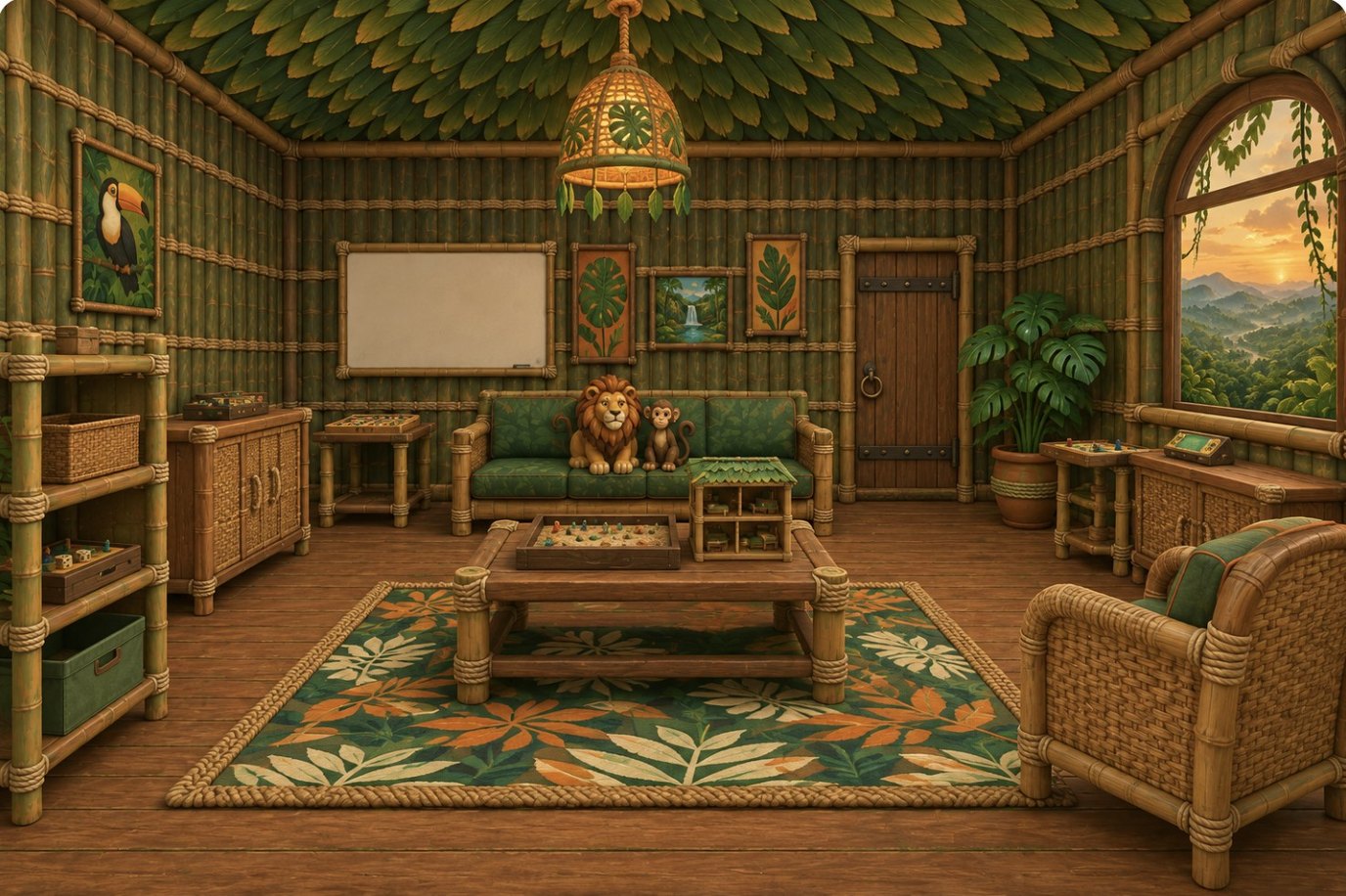
Describe any room and it is built in 3D, or start from a template.
- Generate: describe the room you want
- Template: pick a room type and colour palette
- Toolkits: the tools without a room
2Sand tray500+ figures
A shared 3D tray with more than 500 figures.
- Dig, fill, bury and rescue
- You both move the figures
- Snapshot the scene
3DollhouseAct out daily life
A 3D dollhouse for acting out daily life, in the style that fits the child.
- Family figures, pets and props
- Duplicate a room, change the ending
- Freeze a moment to talk about it
4Games384
384 single and multiplayer games.
- Coping skills, executive function, social cues
- A color-coded cursor per player
- Build your own in Studio
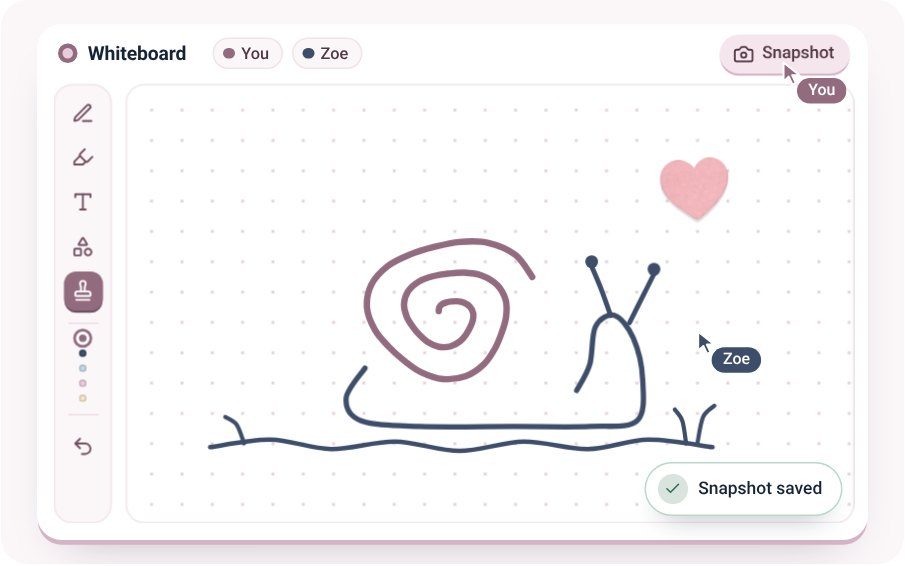
5WhiteboardDraw together
Draw together, then save a snapshot.
- Pen, shapes, emoji stamps, timer
- Live cursors for both of you
- PNG or PDF for your EHR
6VideoBuilt in
Optional video for children's sessions.
- Caregivers wait until you admit them
- Audio-only fallback on slow Wi-Fi
- Switch video providers mid-session
7PlayStudio activitiesYours
Activities you built in PlayStudio open inside the room.
- Together over video, each on their own screen
- Together in person
- On their own, while you watch or at home
8ARWell PROMovement
Movement therapy inside PlaySpace, by Augment Therapy: in session, remotely, or on their own at home between sessions.
- Bring it into your session
- Or use it between sessions
- Connected from inside PlaySpace
How a session runs in PlaySpace
The child leads. Hand over the cursor when it helps.
If you choose, with consent and assent, Alliance drafts the clinical note. You review, edit and lock it.
 For Maya: be a rocket landing.
For you: breathe together before school.
Approved by Dr. Lee
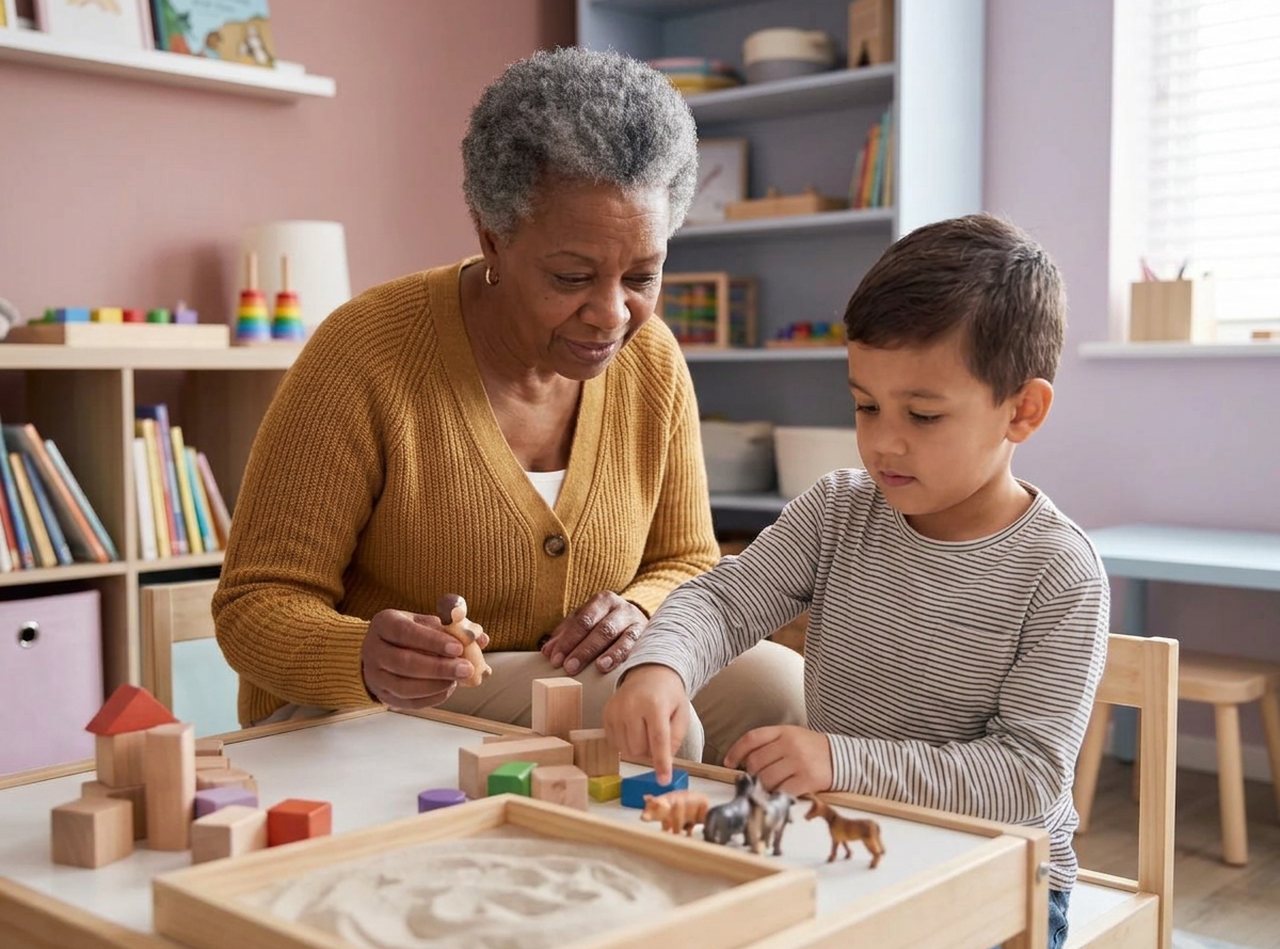
One workspace, over video or in the room
The activities and the notes stay the same either way.
Online
Families join from a browser link
- Camera and microphone in the browser
- A waiting room for caregivers
- Polls, breakout rooms and a slow Wi-Fi mode
In the room
Beside your toys and paper
- The child leads while you observe
- Shelf stocked from Studio before they arrive
- With consent, and if you want it, the note drafts while you greet the next family
About Sessions
A web browser on a tablet or computer. Children and caregivers join from a link.
If you turn on note drafting, activity moments feed the draft. You review each line.
Independently assessed and certified
- Caregivers wait until you admit them
- Recording is your choice, with consent and assent
- Edit or delete any transcript






The only pediatric platform assessed by APA Labs, MHCC and ORCHA. How we protect data →
Your clinical judgment always comes first. PlaySpace supports clinical judgment and never replaces it. Recording requires consent, and every note, plan and family message waits for your review.











Run your next session in PlaySpace
Sign up, or book a walkthrough for your setting.