

Define a shared approach
Decide which tools and workflows should be consistent across sites, and where teams need flexibility.

Support your teams with tools for pediatric engagement, documentation and practice operations. Plan a deployment around your programs, existing systems and clinical responsibilities.

Decide which tools and workflows should be consistent across sites, and where teams need flexibility.
Identify team leads, training needs and the practical changes required for day-to-day use.
Plan age-appropriate activities and caregiver participation around each program’s goals.
Agree what to measure, how results will be reviewed and what would justify expanding use.
Choose session tools, activities, clinical AI or practice support. Configure them yourself or work with PlaySpace on setup and customization.
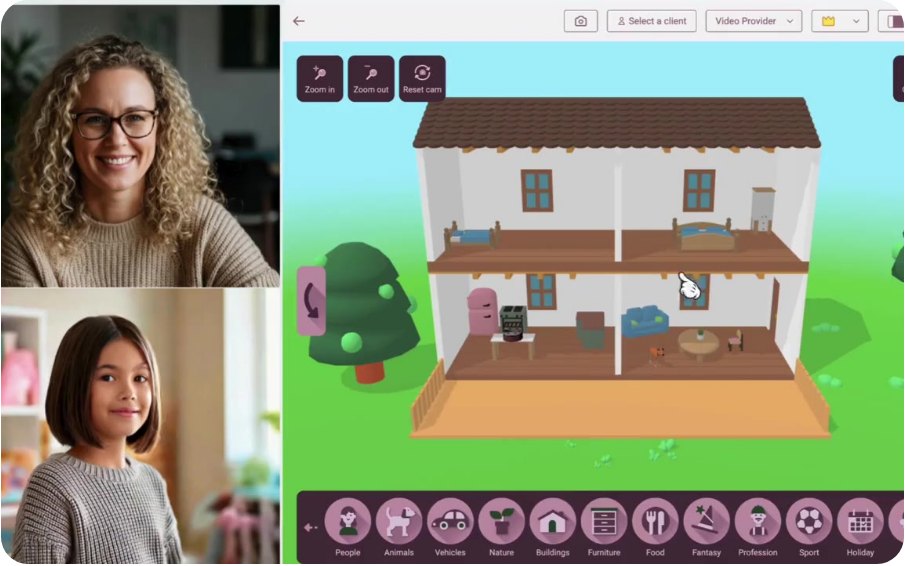
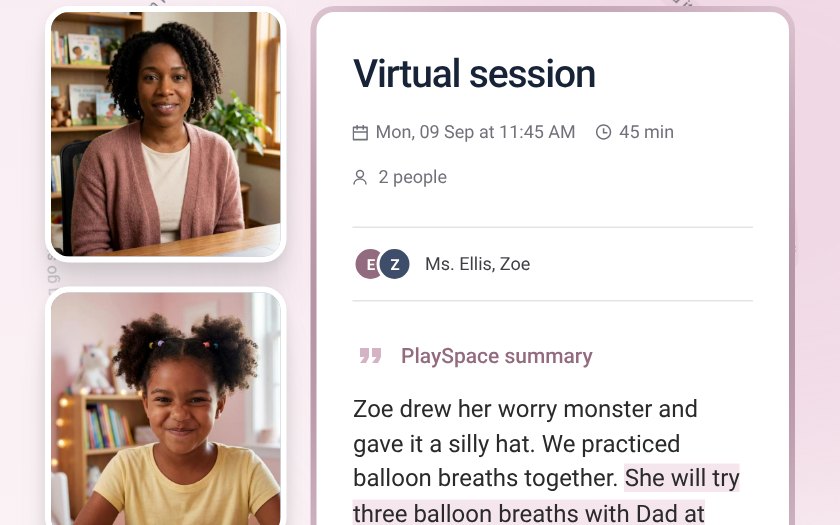
Bring pediatric activities, video and notes into the session workspace. Choose how your teams use these tools within their care model.
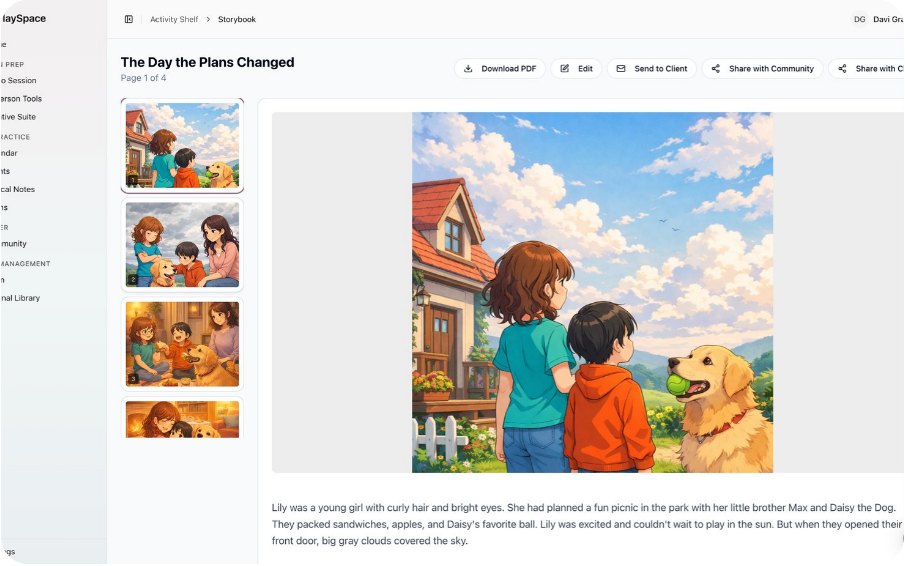
Explore SessionsAdapt activities and stories to children’s interests and goals. Have clinicians review resources before using them in care.
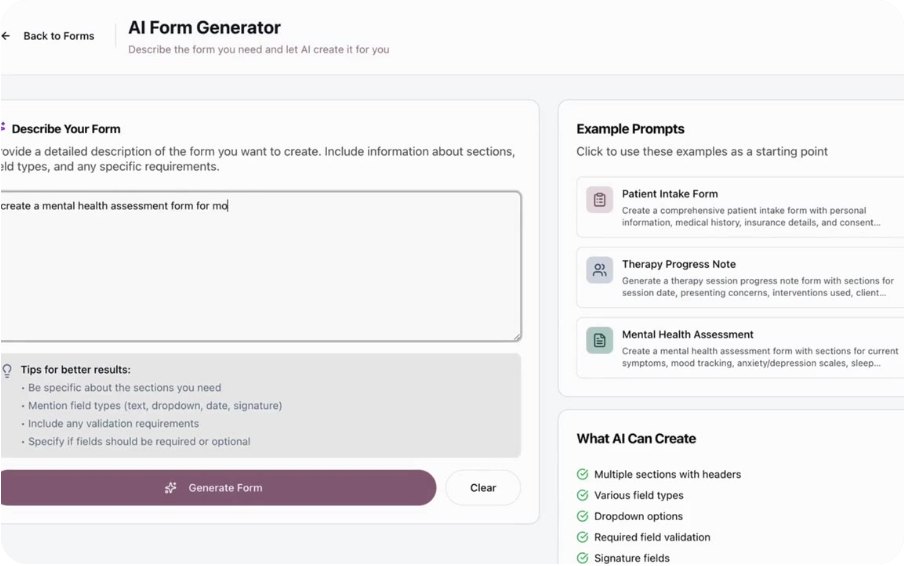
Explore StudioExplore documentation, relationship insight and clinician-reviewed Play Plans. Teams remain responsible for reviewing outputs and care decisions.
Explore AllianceDiscuss intake, family resources, team and finance workflows around the way your organization works. Agree on the scope before rollout.
Explore OperateGive your teams training and partner resources. Explore learning and educator tools and connect them to your team’s workflows with help from PlaySpace.
PlaySpace is designed to integrate, embed and work within or alongside your existing systems. Use existing integrations and self-serve customization, or ask PlaySpace to tailor the setup to your workflows.
Which system remains the source of record? What information needs to move, who can access it and how will the workflow be tested?
PlaySpace works with the systems you already use. Your technical and privacy teams decide with us how it connects, so integrations fit your workflows and your data responsibilities.
Set evaluation questions before rollout. Consider delivery consistency, clinician use and caregiver participation alongside appropriate clinical measures.
Track who your program reaches, how much care teams can provide and how clinical outcomes change. Use the findings to improve care and extend it to more families.
Agree collection burden, consent requirements, reporting responsibilities and review criteria with your team. Research involving participants needs the relevant ethics and data approvals.
Explore research and evaluation toolsSet permissions, retention rules and clinical review roles for each team. PlaySpace provides security and privacy controls to support your compliance requirements.
Define user roles, approved access, consent responsibilities and oversight of clinical outputs.
Confirm permitted uses, storage, retention, export and deletion requirements in the relevant agreements.
Discuss ownership of created resources, intellectual property and any separately approved research access.
Review program goals, existing systems, team responsibilities and deployment constraints.
Agree tools, participating teams, permissions and evaluation criteria before starting.
Plan onboarding, clinical review and a way for clinicians and caregivers to raise feedback.
Review findings and unresolved issues before deciding whether to extend use to other teams or sites.



Clinical oversight is built into the PlaySpace model. Clinicians review AI-assisted outputs and retain control of care decisions, with privacy protections and organizational governance supporting delivery across teams.
Yes. PlaySpace is designed to integrate, embed and work within or alongside existing systems and workflows. Use existing integrations and self-serve customization, or ask PlaySpace to customize the setup to fit the way you work. We can help define connections, permissions and source-of-record responsibilities with your team.