
Dashboards drafted from your own records
Describe what you want to see. A card is drafted, you reply to change it, then add it to your dashboard.
- Every number opens to the rows behind it
- Nothing is saved until you add it
Part of Operate. How we protect data






Three cards clinicians often start with
Ask in plain words. Each card is built from your own records.
Click a number to see its rows
Every number comes from your own records and opens to the rows behind it.
- Click any number on any card
- See each row behind the count
For your practice or organization
Your practice
Draft it, check it, add it
Reply in plain words to change a card. Nothing is saved until you add it.
- Change the chart, the dates or the grouping
- Added cards stay on your dashboard
Organizations
Custom dashboards built with Operate
For clinics and health systems, Operate builds dashboards around how your organization runs.
- Shaped to your sites, teams and workflows
- Alongside your EHR and other systems
About dashboards
From your own records in PlaySpace. Every number opens to the rows behind it.
Only when you add it. You can reply to change it first.
Yes. Operate builds them around how your organization works.
 Operate
 Organizations
 Clinical notes
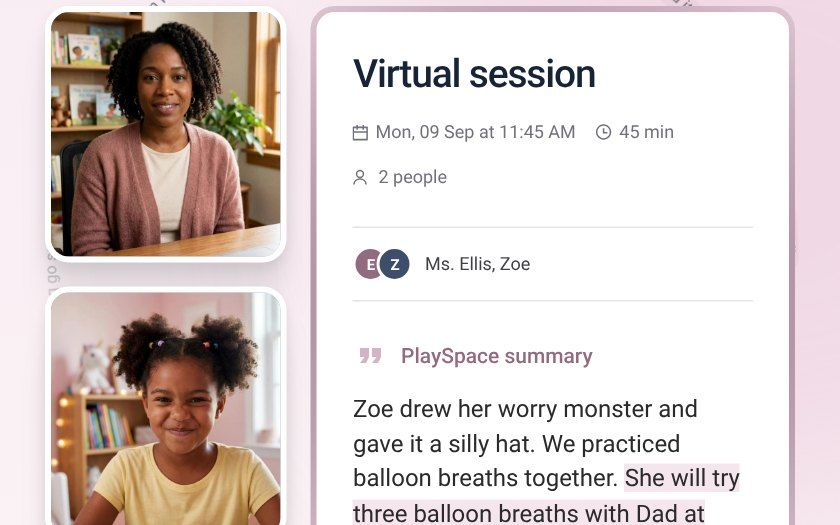
Your clinical judgment always comes first. PlaySpace supports clinical judgment and never replaces it. Recording requires consent, and every note, plan and family message waits for your review.









Build your first dashboard card
Describe the number you check most.