
Intake and consent forms you describe and edit
Describe the form you need or import a PDF. Edit the wording, then send a secure link to sign.
- Intake, consent, screeners and check-ins
- Import a PDF, Word, PowerPoint, Excel or image file
- Outcome measures you choose, on your schedule
For in session or between sessions. Sent by link, or opened from the Activity Shelf. Signed forms stay inside PlaySpace. How we protect data






Three ways to start a form
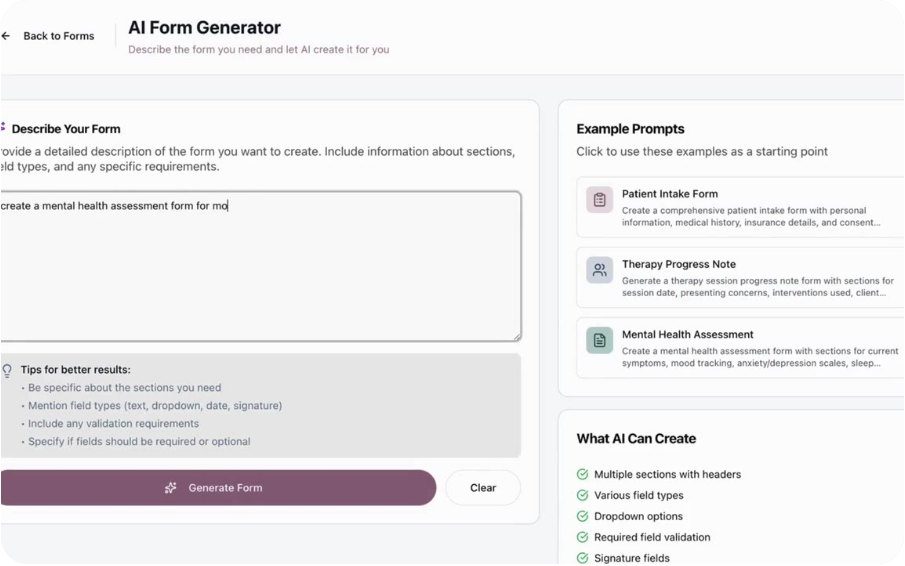
Describe it
A drafted form in seconds, in your voice
Describe the form or import a file. Change the questions, tone and order until it sounds like your practice.
- A family sees it only after you review it
Template or blank
Start from a template or a blank form
Adjust the intake, PHQ-9, consent and example templates, or drag fields onto a blank form.
- Signature fields for guardians
- Saved forms become your own templates
Import a file
Your own file, made fillable
Import a PDF, Word, PowerPoint, Excel or image file. A draft form is made for you to check.
- Add signature fields
- Send it as a secure link
Forms and outcome measures
Forms
Every form a pediatric practice sends
Guardians consent, children give assent and get their own check-ins.
Measures tab
Standard measures, or your own
Send a measure once or on your schedule, then see progress over time.
- PHQ-9, GAD-7, PHQ-4, PCL-5, PSC-17, published scoring
- Answered in the client portal or from an email link
- Scores are never shown to the client
Sent from a link, kept with the client
Your practice
Scores from measures you send show in each client's Progress view. Outcome measures · Outcomes in Alliance
Clinics and health systems
The same consent at every site
Keep one approved intake and consent in a shared library.
- Operate builds the full intake packet
- Your branding, your named reviewer
- Connected to your EHR
Before you send
- Mobile friendly on phone, tablet or computer
- In every plan. See pricing
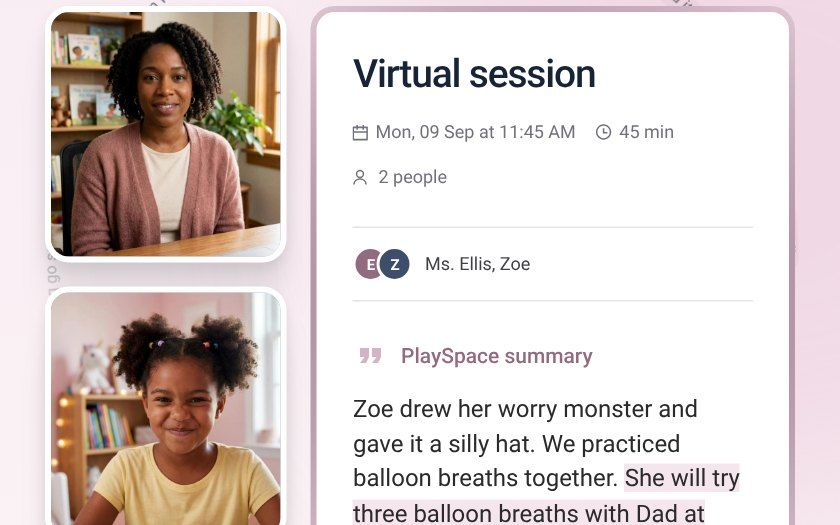 Alliance
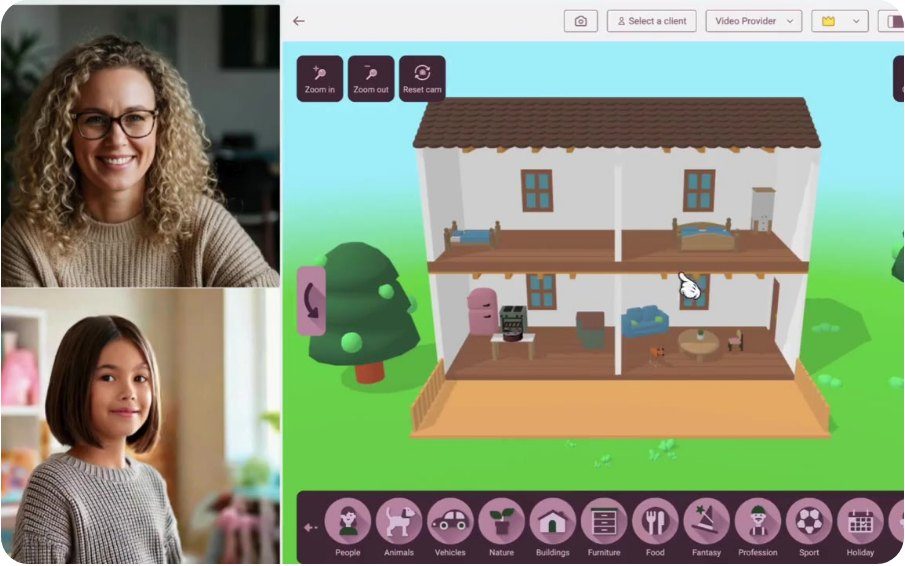 Video
 Worksheets & slide decks
 Community & Marketplace
About forms
Yes. Signed forms are stored securely inside PlaySpace.
You do. The builder drafts, you edit and approve, and only then is it sent.
Your clinical judgment always comes first. PlaySpace supports clinical judgment and never replaces it. Recording requires consent, and every note, plan and family message waits for your review.











Retire the email attachments
Send your first intake this week.