
Whole-class engagement
Interactive lessons everyone can join from a shared screen or their own device.
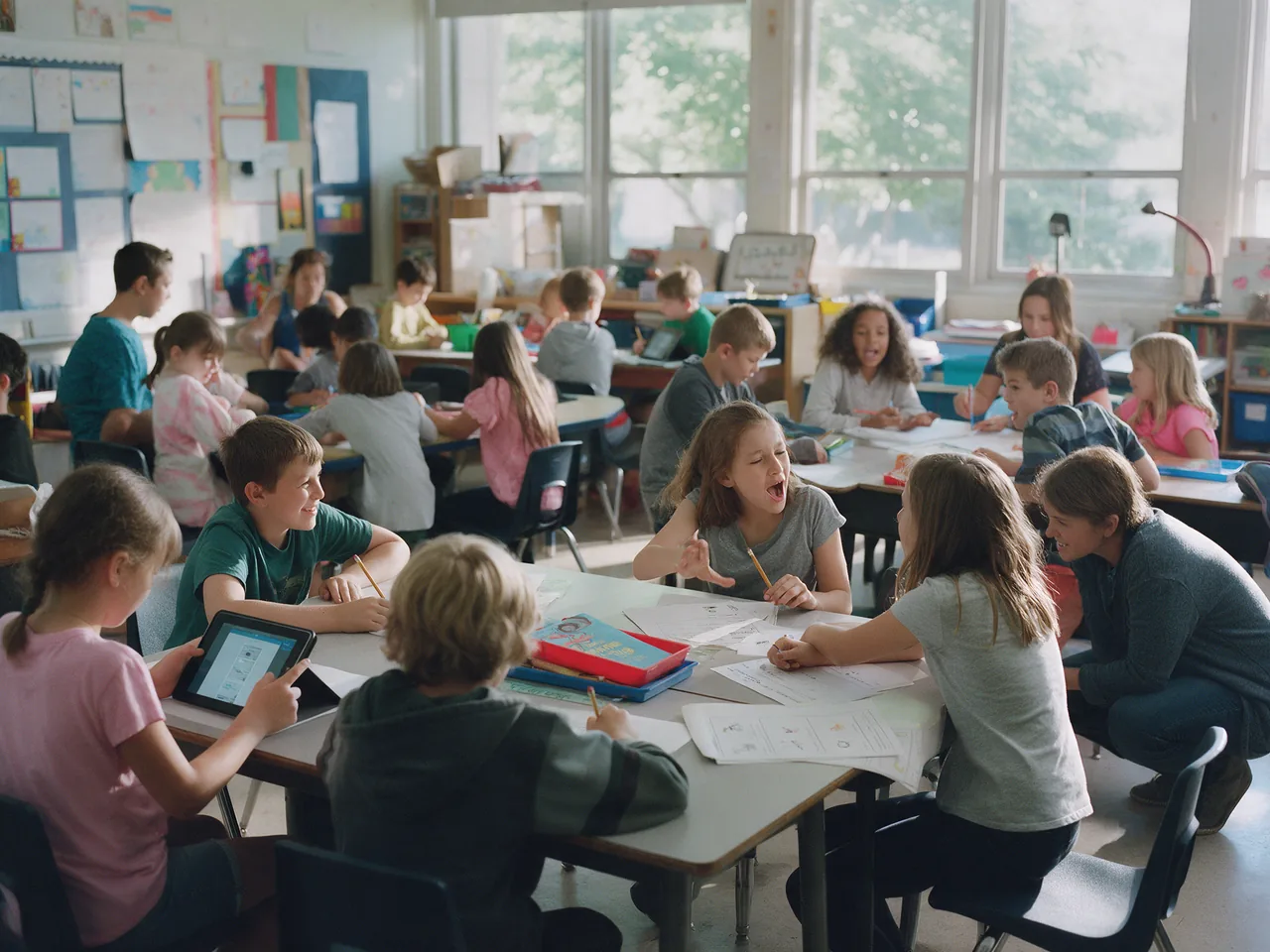
Teach interactive lessons on a shared screen or student devices, adapt tasks to different abilities and plan movement breaks between lessons.
Explore relevant tasks, example goals and the tools that support them.
Keeping thirty students involved at once.
Every student responds at least once per lesson.
Interactive lessons on a shared display.
Interactive lessons everyone can join from a shared screen or their own device.
Short activities that students can do beside their desks.
Supports for the students who need them, without slowing everyone else down.
Explore lesson building, movement activities and learning supports for your role.
Interactive lessons for the whole class.
Desk-friendly movement games.
Differentiation without separate lesson plans.
Twenty-nine students answer on their devices while results appear on the board.
A three-minute mirror game resets the room without anyone leaving their desk.
Supported students see their version automatically; the teacher plans once.
No. Many activities run on one classroom display. Devices unlock individual responses and supports.
A 30-minute walkthrough tailored to your classrooms, learners and schedule.